Stash
⌘S to add the selected files to the stash. It stays pinned above the results while you search for other files, and the stashed files can then be copied or sent at once.
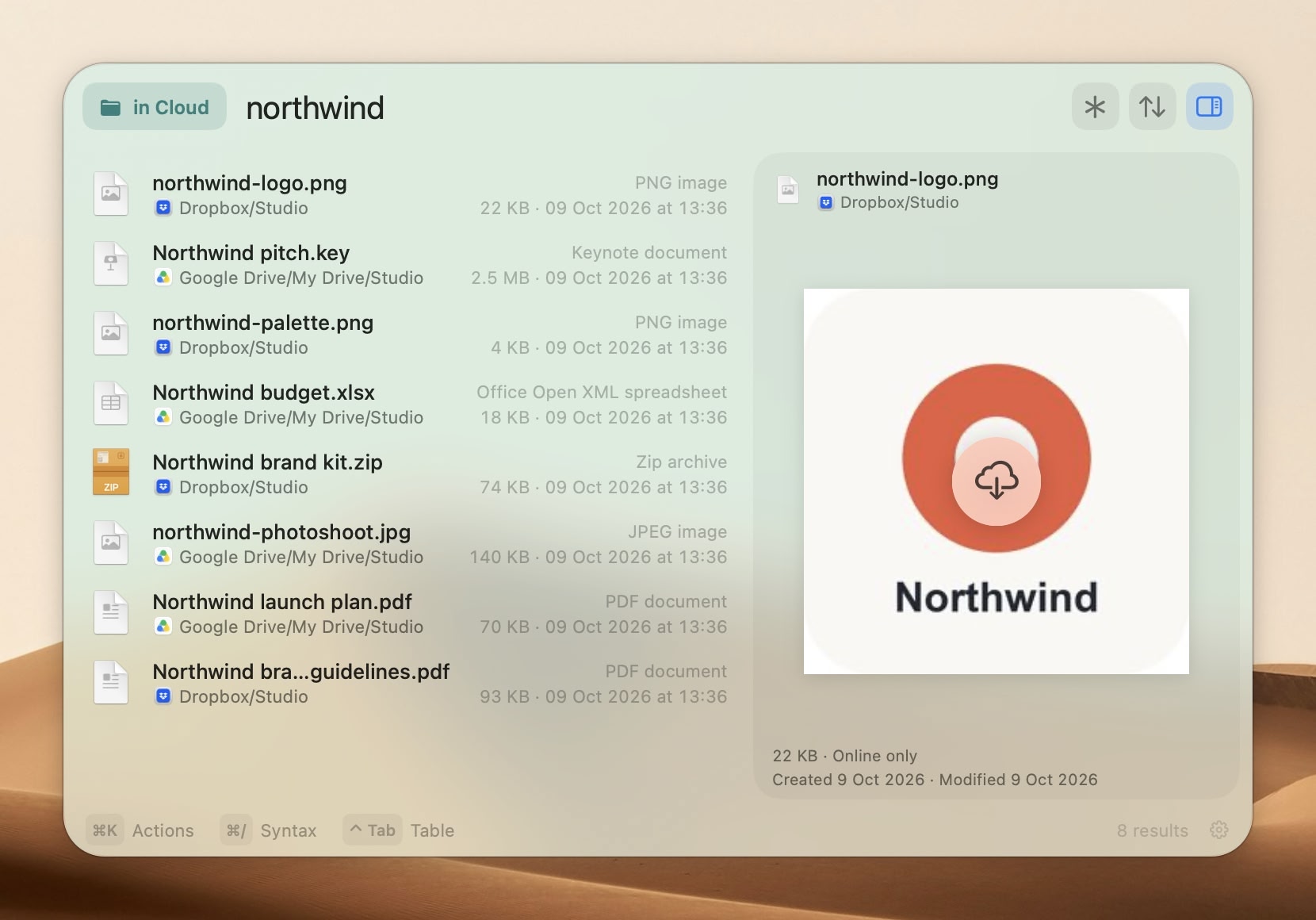
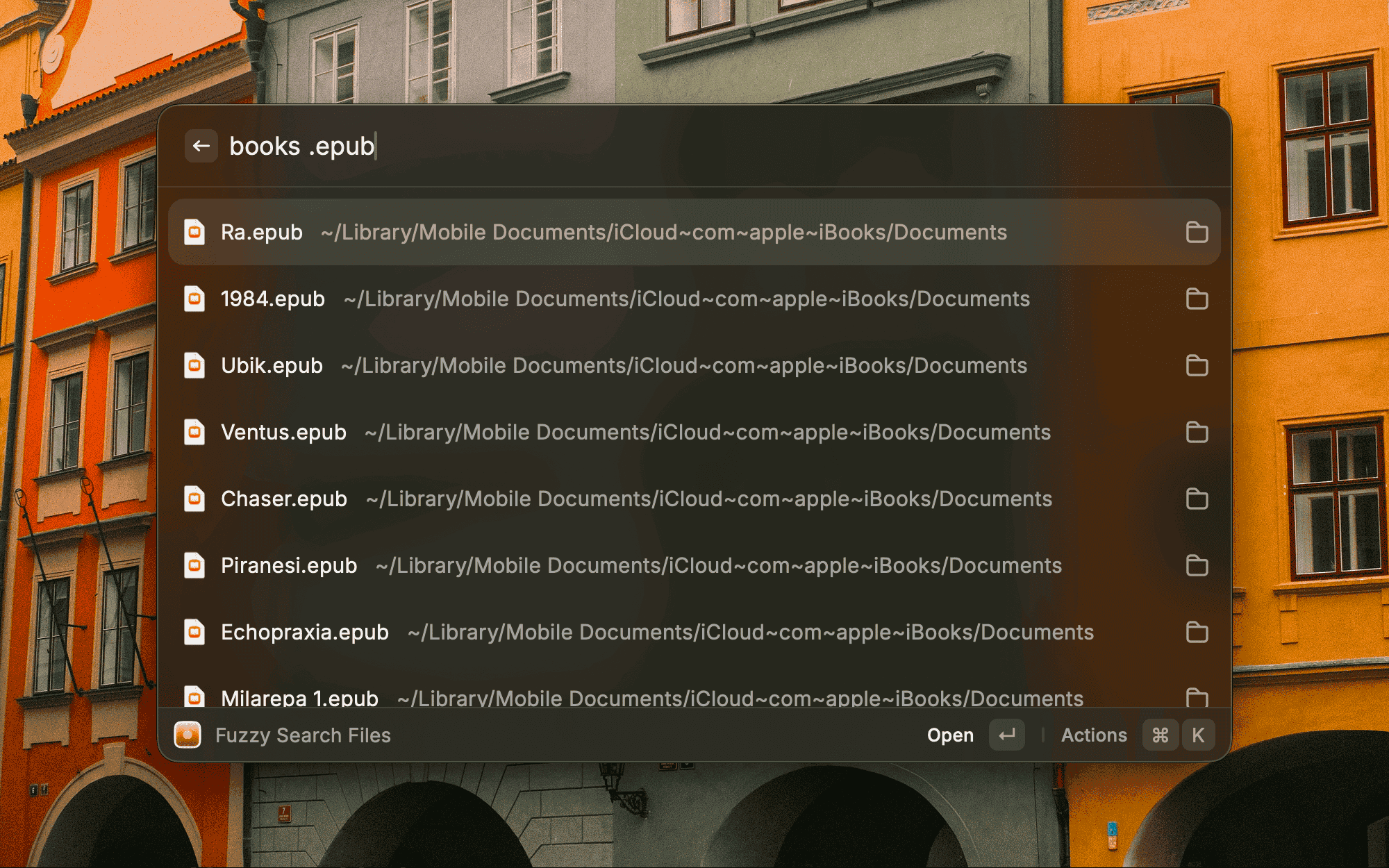
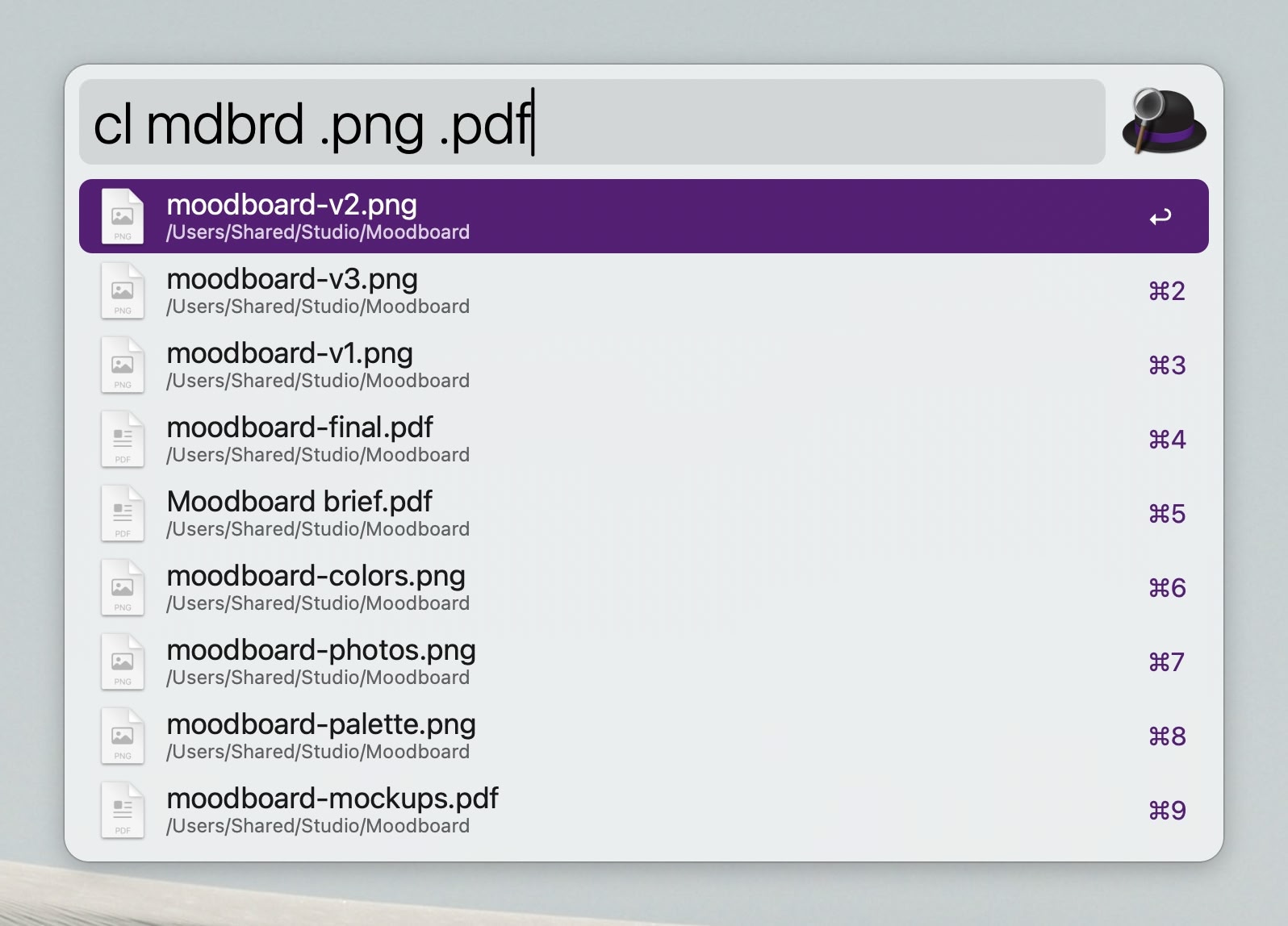
Right Command + / (slash) to show/hide Cling.png icon or .pdf invoice to narrow results..pdf .png: several file types at oncename/: match a folder!word: hide anything containing thisin:~/path: search only inside a folder'text: exact text, not fuzzy⌘/ in the app for the full syntax.Control-Tab switches to the results window when more space is needed.⌘⇧P to show a preview of the selected file next to the results.
⌘S to add the selected files to the stash. It stays pinned above the results while you search for other files, and the stashed files can then be copied or sent at once.⌘U to get a private link for the selected files, already copied to the clipboard. Cling doesn't upload the files anywhere, they are sent directly from your Mac to whoever opens the link.⌥⏎ to drop the selected files into the focused field of the app you were using before Cling, like the upload button of a website. It works by simulating a drag and drop of the files, so any app that accepts dropped files will work.⌥⇧⏎ shows a keyboard grid for dropping the files on any spot of the screen.~/.fsignore file lets you specify gitignore patterns for excluding files and folders from the index.
cl and a query. ⌘↩ shows the file in Finder, ⌥↩ opens it in your editor, ⌃↩ in your terminal, ⇧↩ adds it to the stash.

Included in the 14-day free trial. After that, a license keeps them unlocked.

Option + a single key to instantly narrow down results with minimal typing.Option + Escape to clear all filters and go back to searching everything.Option + a number key to jump between volumes. All filters stack with your typed query.| Feature | Cling Pro | Free version |
|---|---|---|
| Home, Library, Cloud Storage and Applications search scopes Search files in your home folder, user library, cloud folders and installed apps | ||
| Fuzzy search and search history Find files with partial queries, navigate history with arrow keys and tab completion | ||
| Instant actions on files Open, copy, move, QuickLook, batch rename, or act on files with hotkeys | ||
| Smart defaults on launch Show your most recently changed files when opening Cling | ||
| Search operators Narrow by extension, folder, depth, prefix or suffix, or exclude words | ||
| Floating search bar and File preview A search bar you can pin to the desktop, previews of images, video, PDFs and archives | ||
| Stash and Drop to app Collect files across searches, drop them into the app behind Cling | ||
| Send securely Peer to peer links that expire on their own | ||
| Index pruning and Exclude from index See which folders fill the index and keep them out | ||
| MCP server AI agents can search, explain missing files and change settings | ||
| System and Root search scopes Search system files, hidden files, dotfiles, and app data | ||
| Everything index Every file on the local disks, no ignore rules | ||
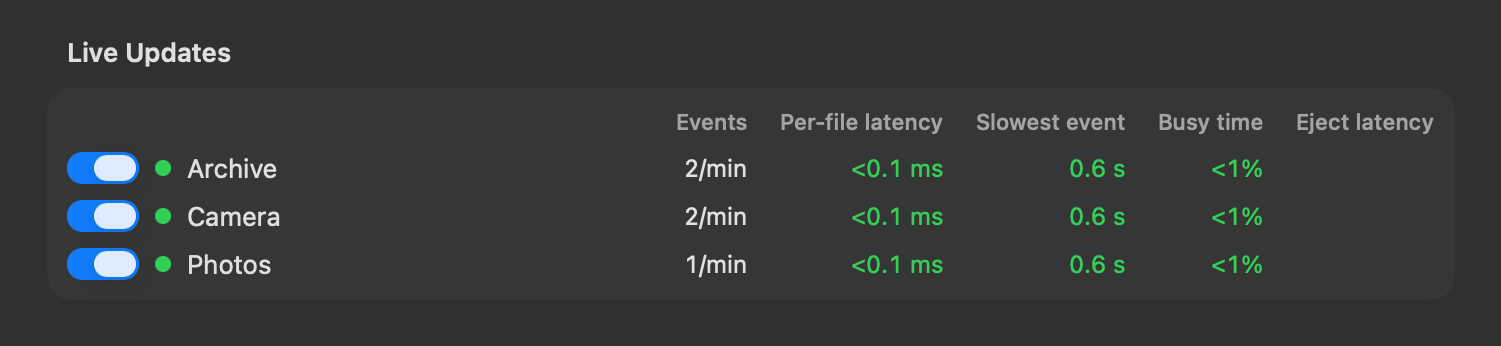
| External volume indexing Persistent indexes for USB drives, external hard drives, and network shares, with live updates on local drives | ||
| File server Search and download this Mac's files from a phone or another computer | ||
| Quick Filters for file types Narrow down results by file type without typing common queries | ||
| Custom folder filters Save folder sets for quick filtering of search results | ||
| Scripts for custom actions Run custom scripts on files with pre-assigned hotkeys | ||
| Up to 10,000 results Free version is capped at 500 results |
No credit card required, keep using for free after the trial
Refunds accepted within 14 days of purchase, no questions asked
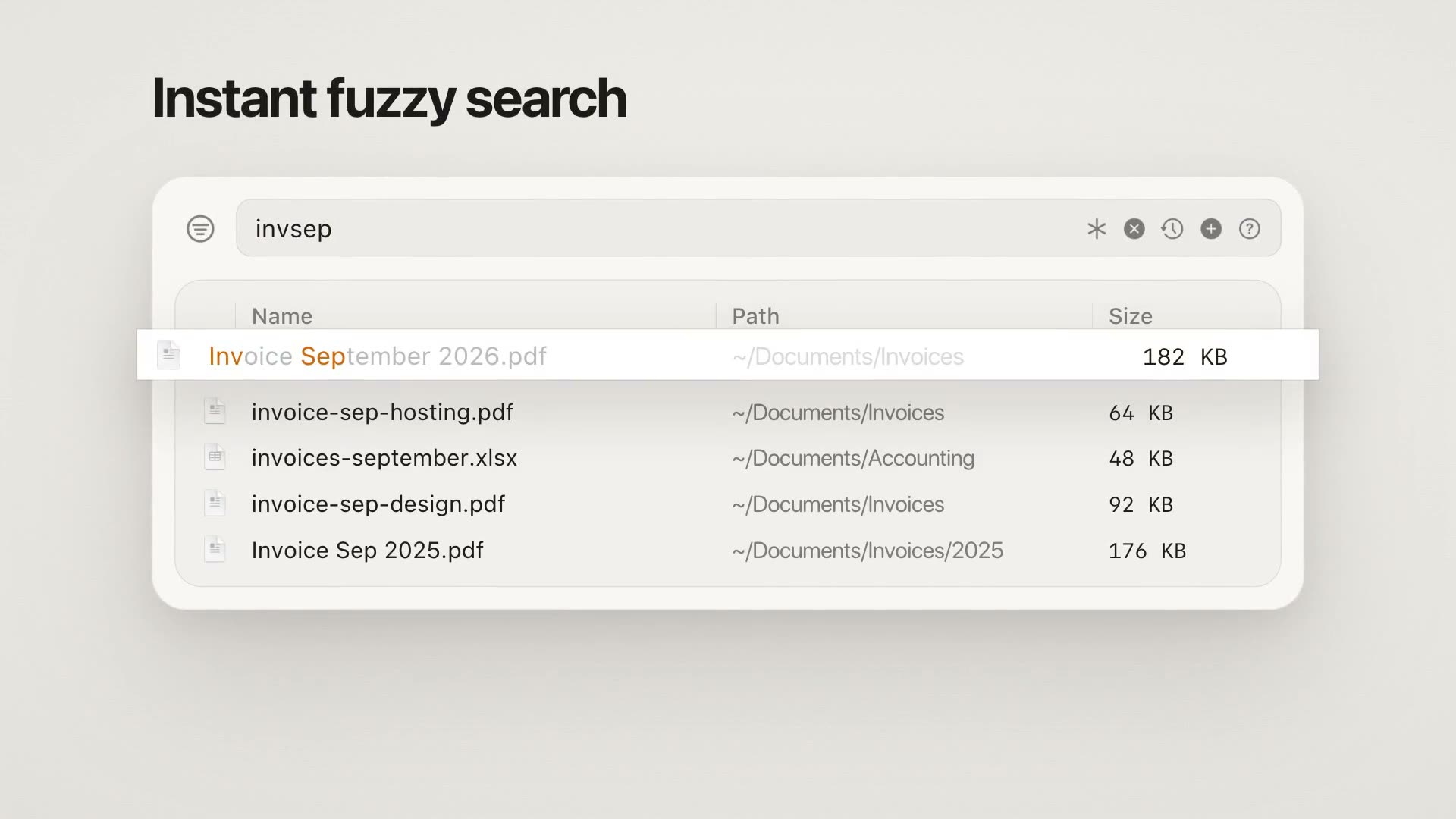
Cling is similar to these apps in that it provides instant search results, but the key differences are:
Cling is very much not like these apps.
They are all file search apps that provide advanced search features, allowing you to craft complex queries using metadata and file content to dig deep into your filesystem and find as many files as possible.
Cling is for quickly finding one or more specific files by roughly knowing the name, and then doing something with the file immediately like:
Cling is not an app for finding all files that match a complex query.