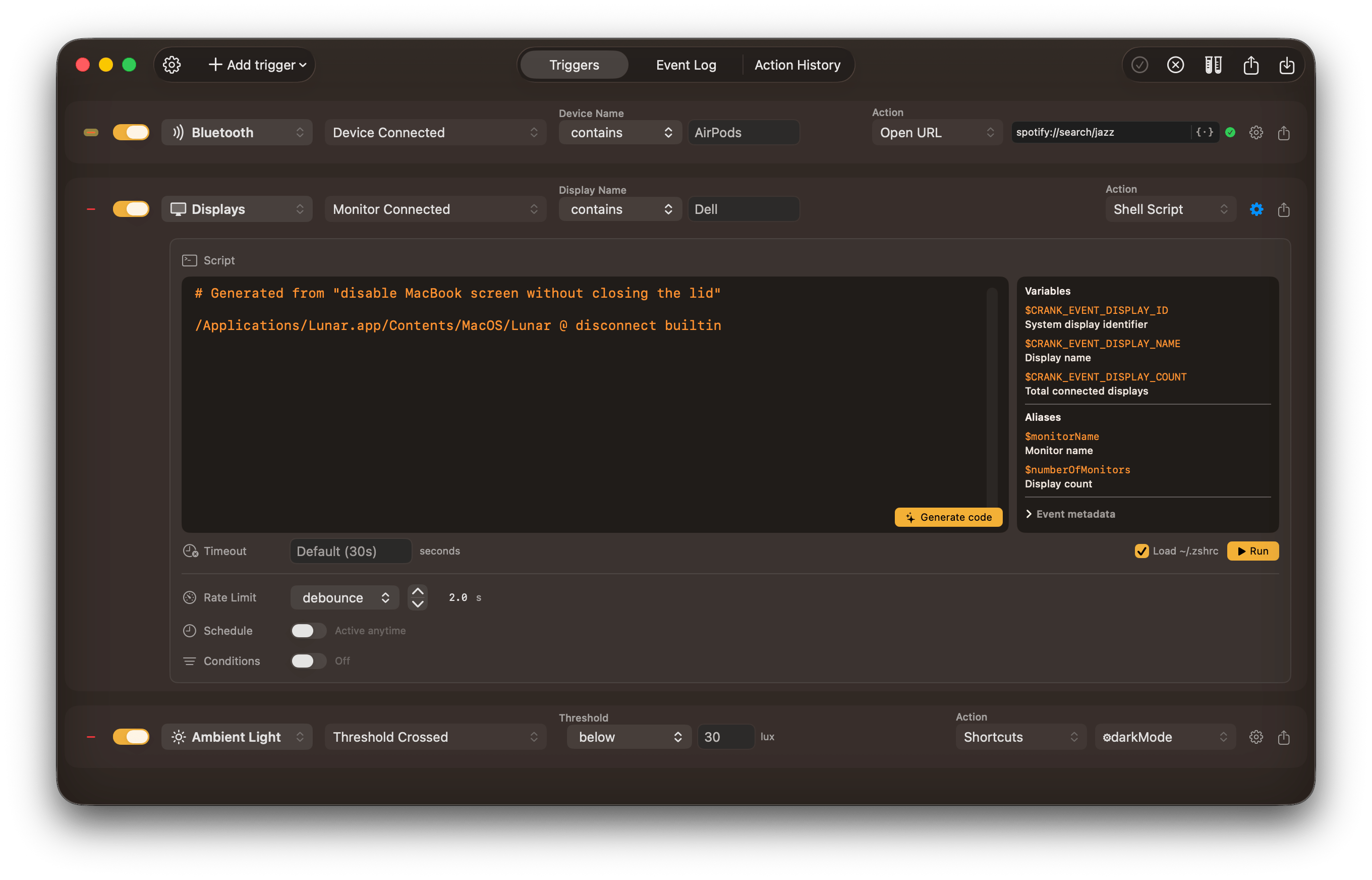
When this happens, do that
The concept is simple: add a trigger (when I connect my headphones), set an action (switch audio output), and as if by magic, it just happens.
Actions can receive data about the event, like the headphones name, the screenshot file that was just taken, the calendar event that starts in 5 minutes, the battery level etc.
Templatable fields
All text fields like the URL from Open URL, the path in Open File or the notification title, can use the same event data.
Write actions in plain English
With support for Gemini and ChatGPT, actions can be generated by describing the operation using natural language.
The AI model will receive special context about utility binaries available on your system, so that it uses commands that work on your machine.
Private by default
AI features are disabled by default and only run when you press the Generate Code button. The context sent to the model does not contain any sensitive data.