Muskey
Find the key of any song
Change it with one click
Free and open source · macOS 26 Tahoe or later on Apple silicon
Song: Cartoon, Jéja - On & On (feat. Daniel Levi) [NCS Release]
Music provided by NoCopyrightSounds
Free Download/Stream: https://ncs.io/onandon
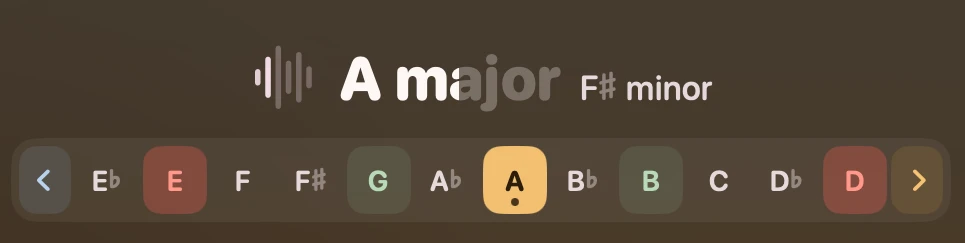
Detect the key of the playing song
Press Control Command M while a song plays to see its key after a few seconds.
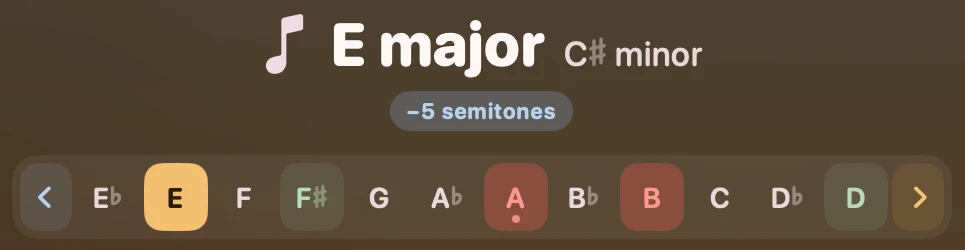
Change the song key on the fly
Click any key or press an A-G letter on the keyboard to pitch the song in that key without changing tempo.
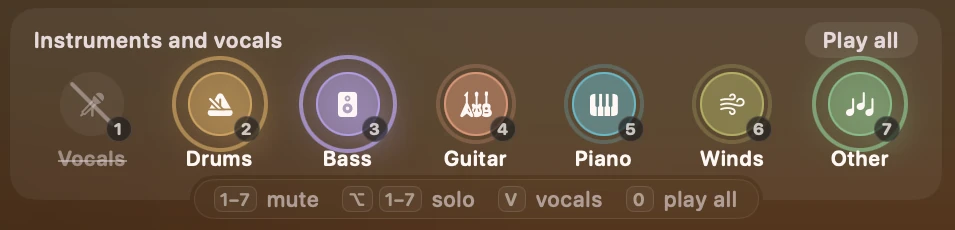
Instruments and vocals
Mute the drums, the bass or the vocals of any song while it plays. Use Solo to hear only the guitar, piano or trumpet and practice your part.
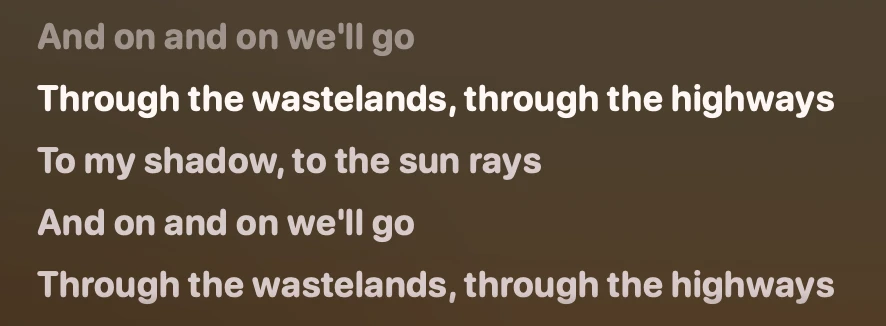
Lyrics and karaoke
Click Lyrics to see the words line by line as the song plays. Click Karaoke to view them full screen and mute the vocals so you can sing along.
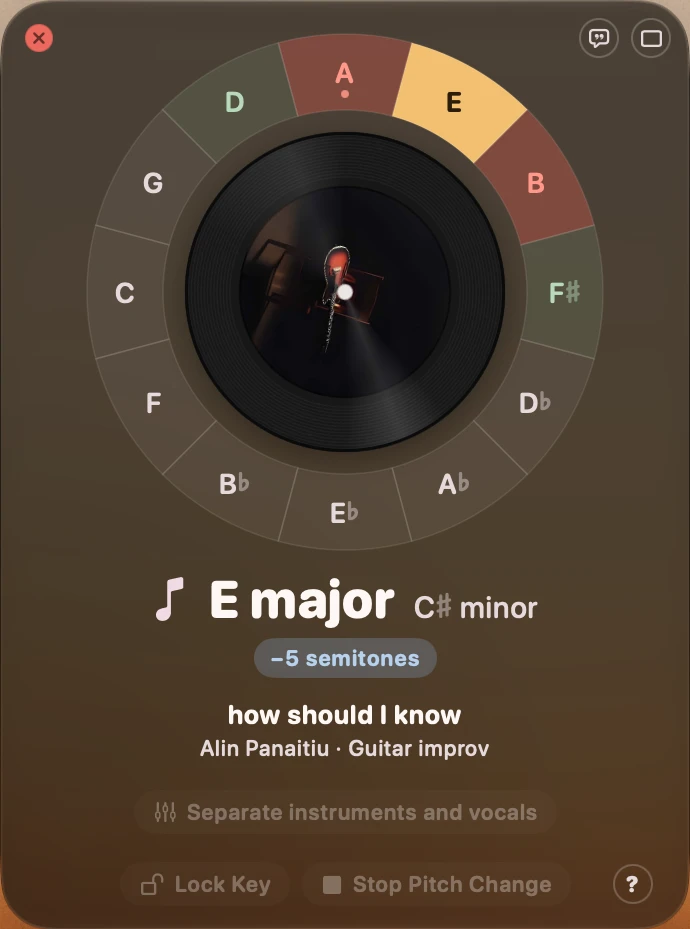
Card layout
Switch to the Card style to view the keys on the circle of fifths.