Pipiri

Press Kit
Download Press Kit (.zip)

Includes icon, screenshots, videos, and copy

About Pipiri

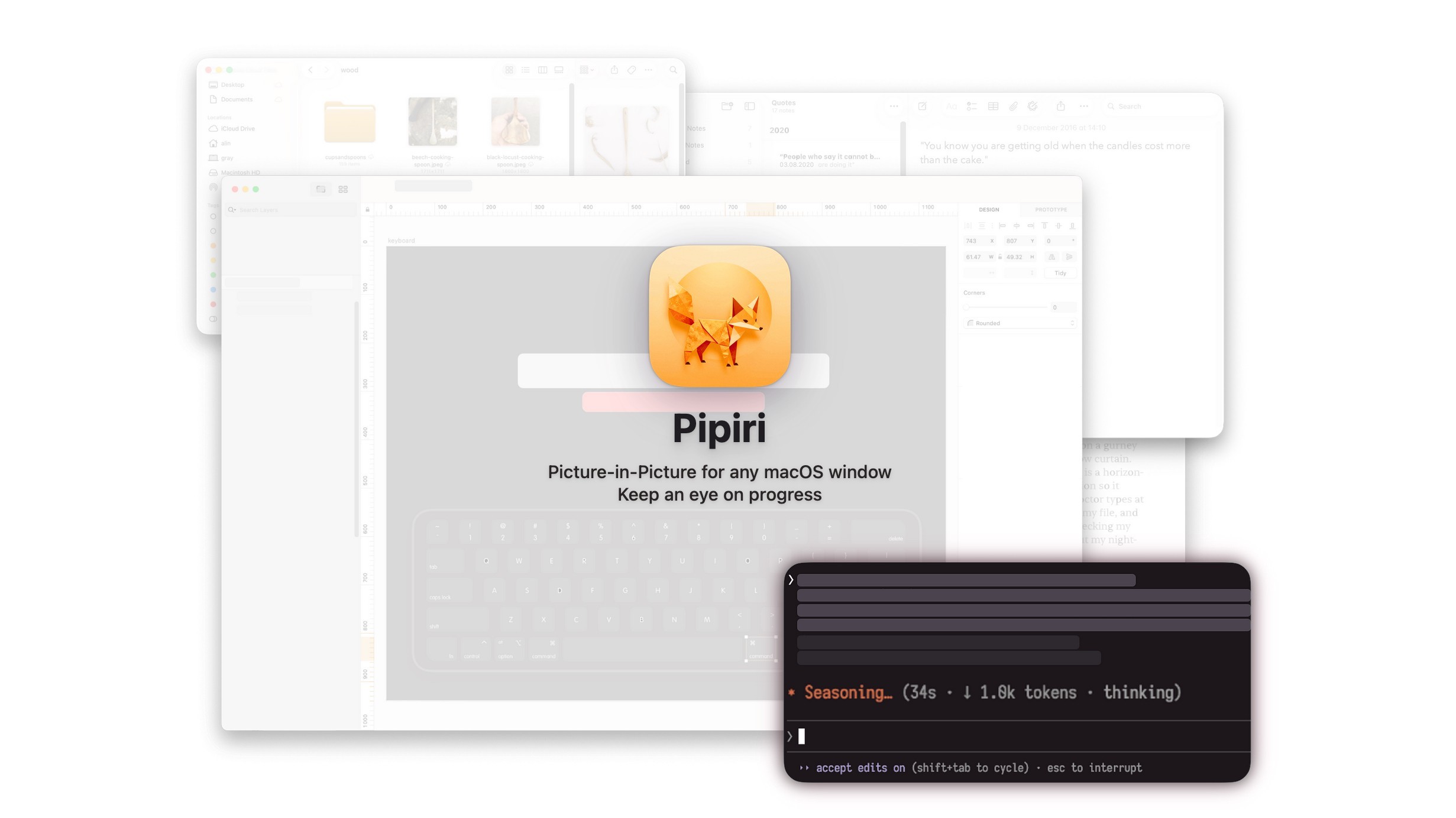
Pipiri is a Picture-in-Picture app for macOS. Press a hotkey and the focused window becomes a floating panel that stays on top across all Spaces. It works with any window, not just video players.

Useful for keeping an eye on terminals, logs, dashboards, AI agents, or video streams without switching windows.

Key Facts

DeveloperThe low-tech guys
PlatformmacOS 14.0+ (Sonoma and later)
LicensingOne-time purchase for up to 5 Macs. 14-day free trial, then Free mode (PiP pauses after 30 min)

Features

Use Cases

App Icon

Pipiri app icon

Screenshots

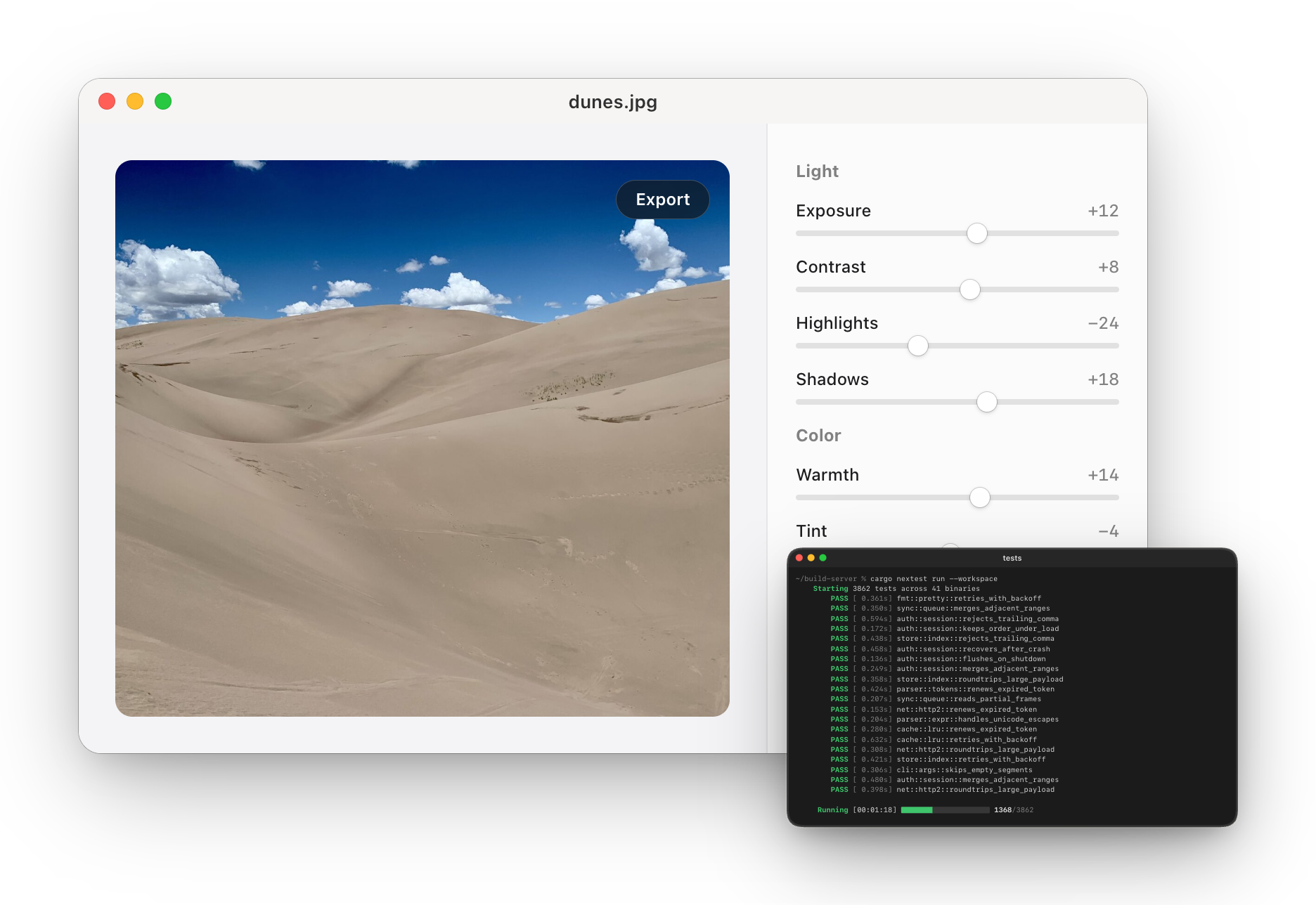
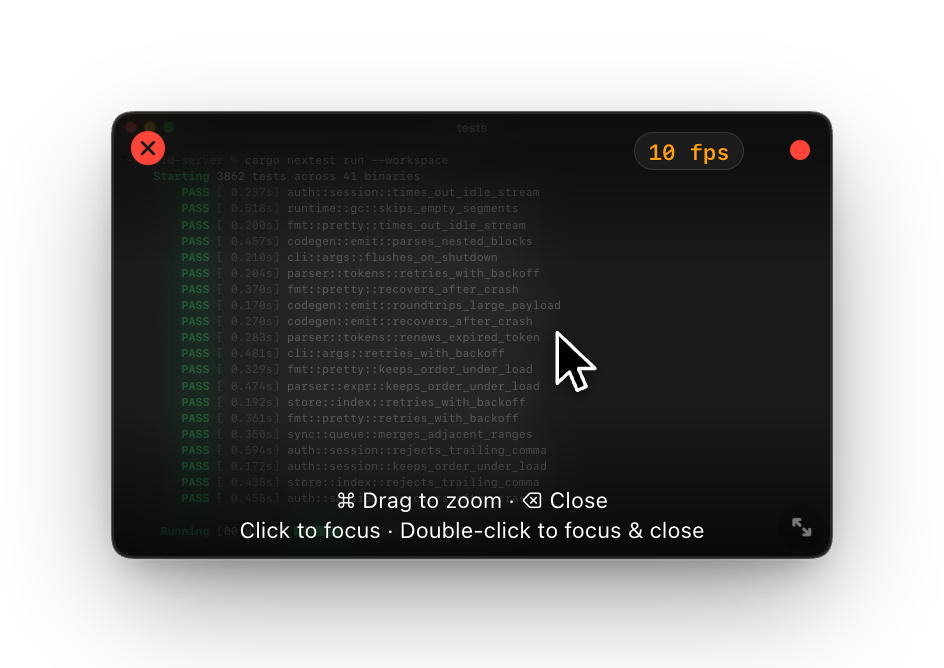
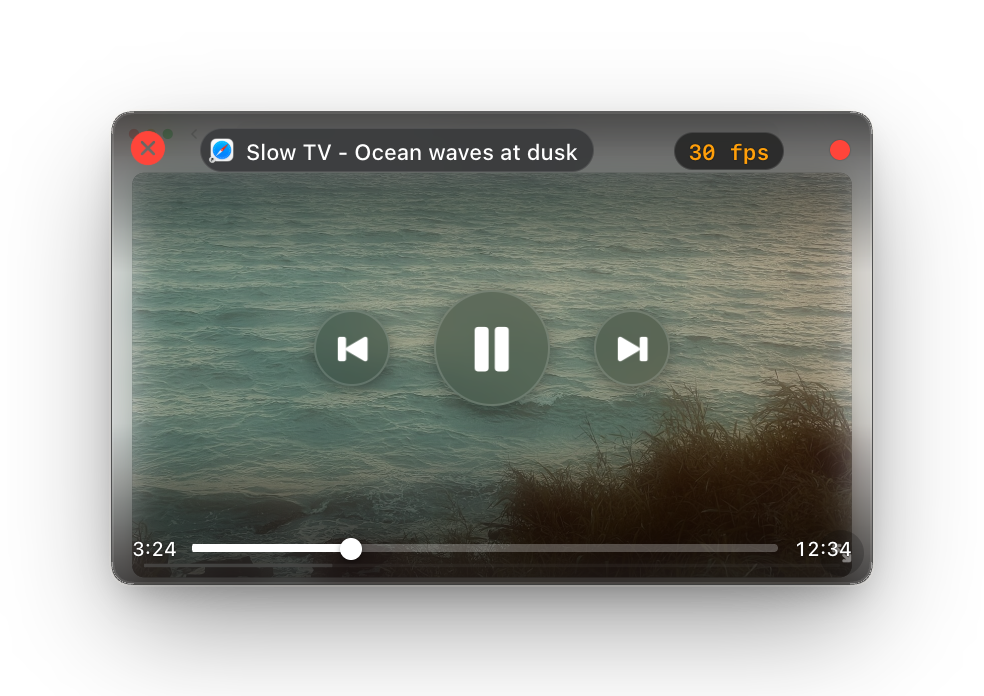
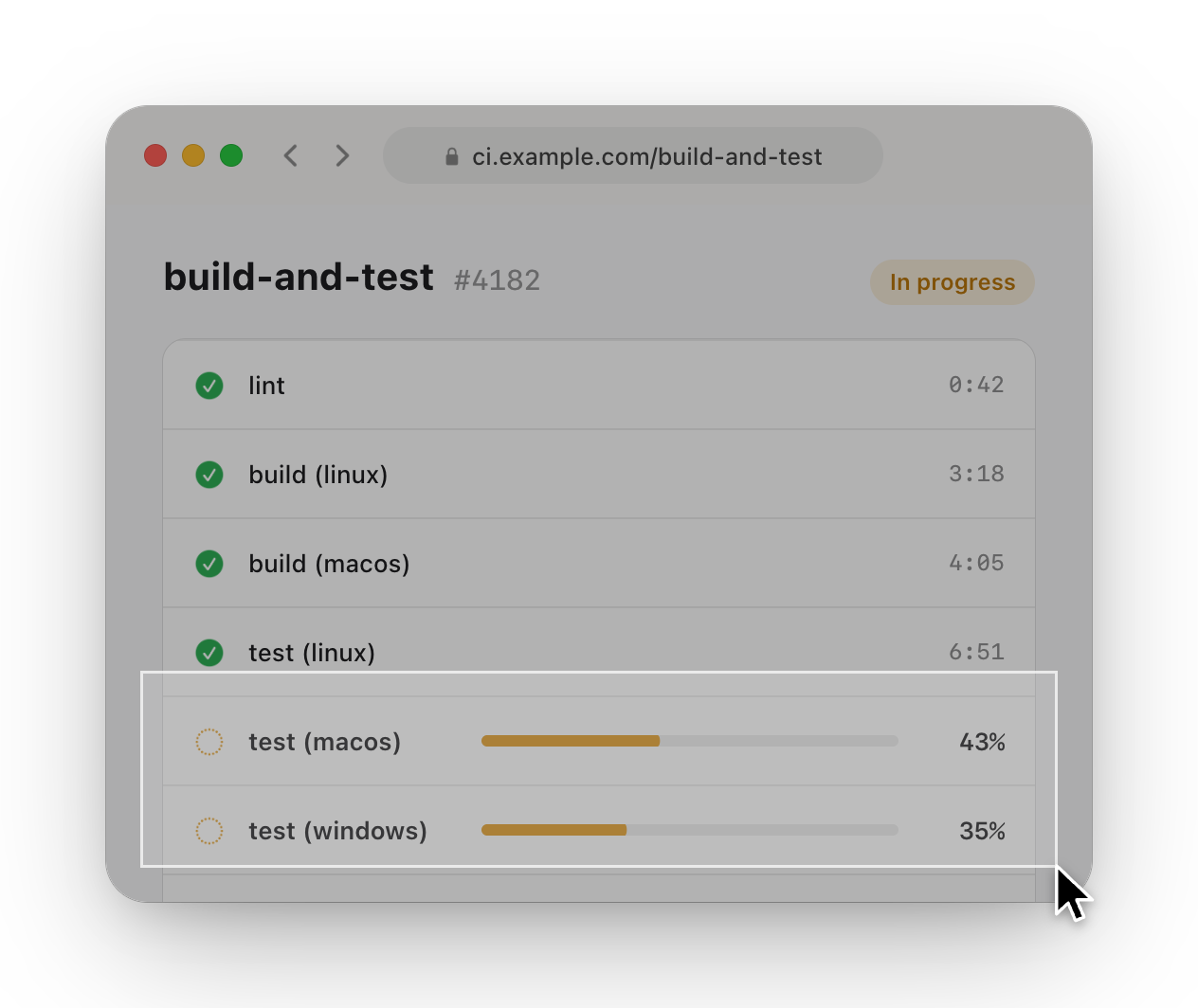
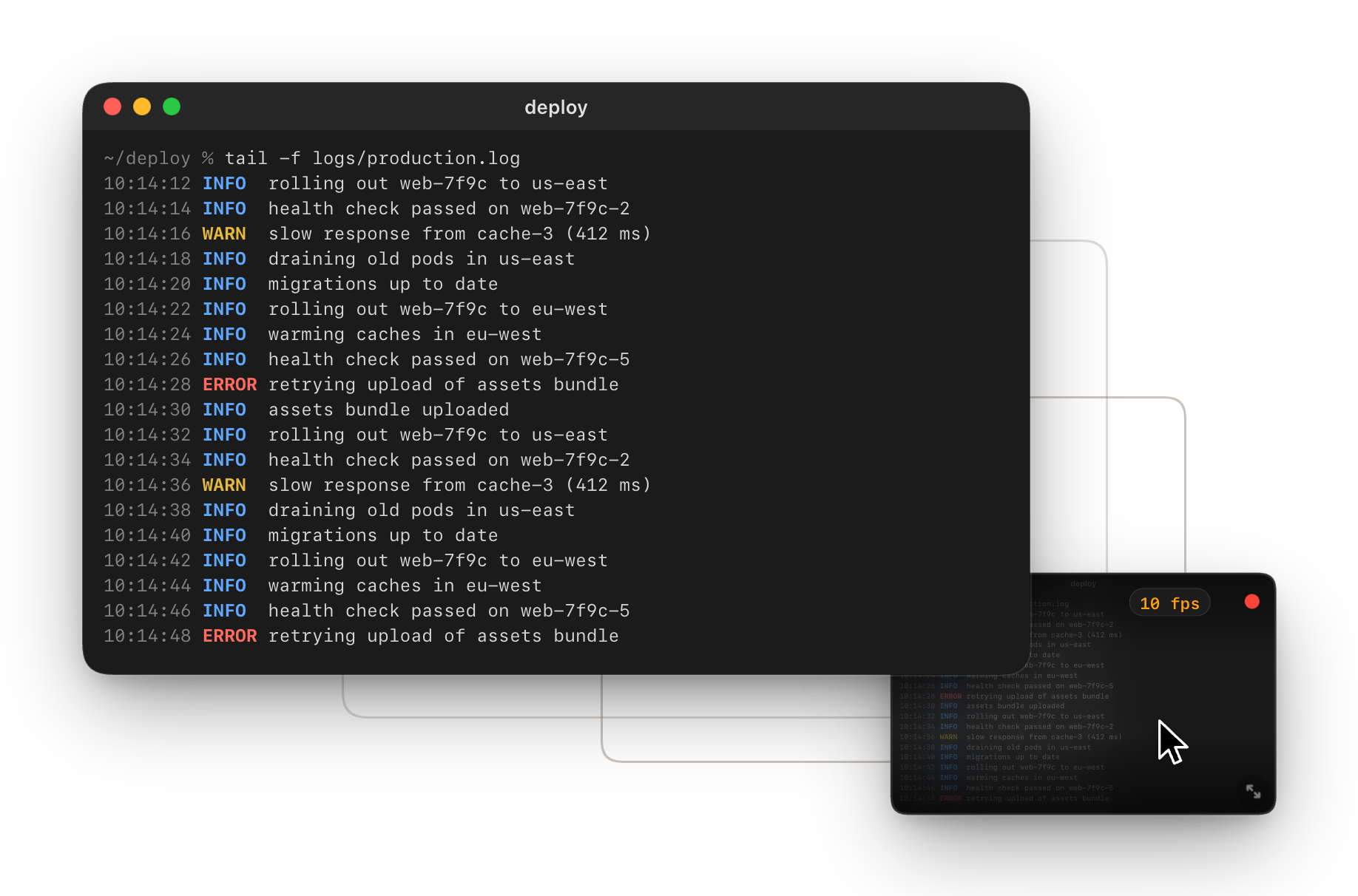
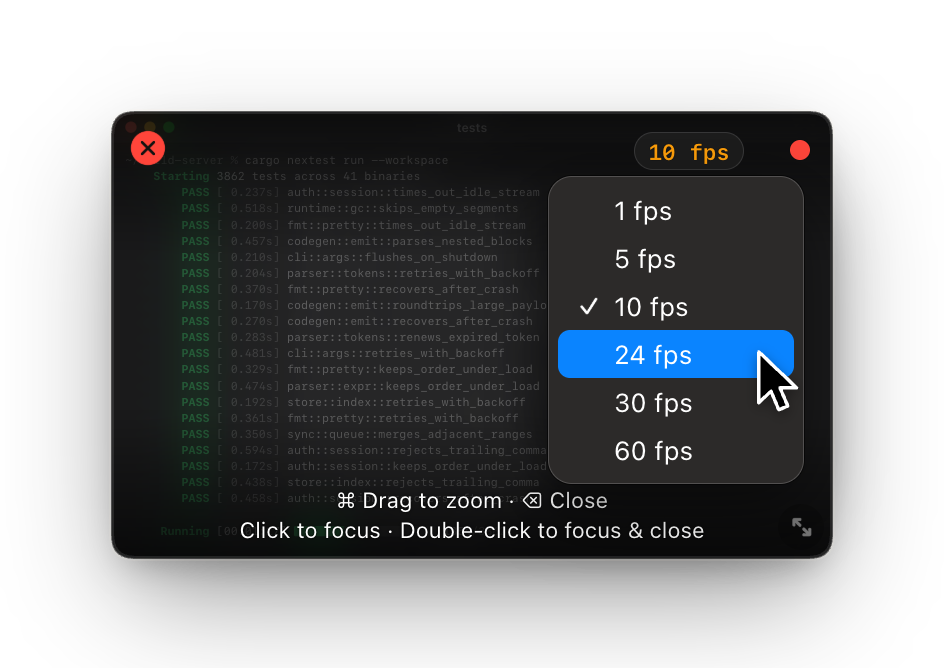
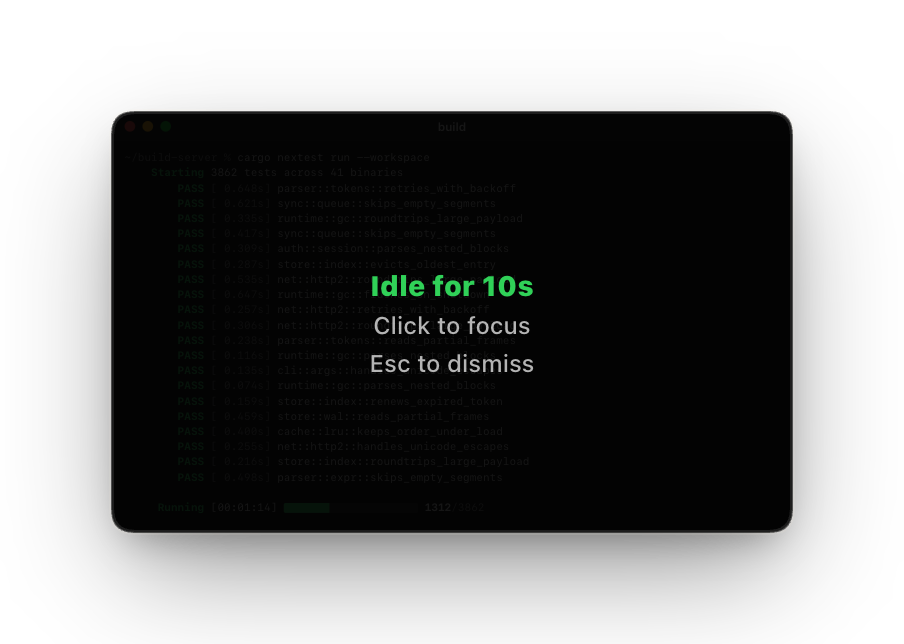
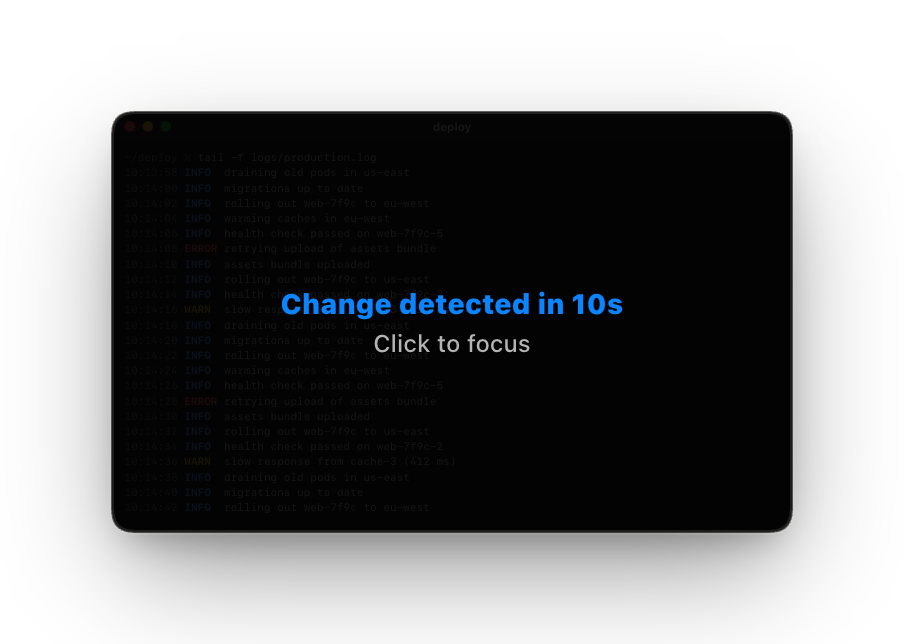
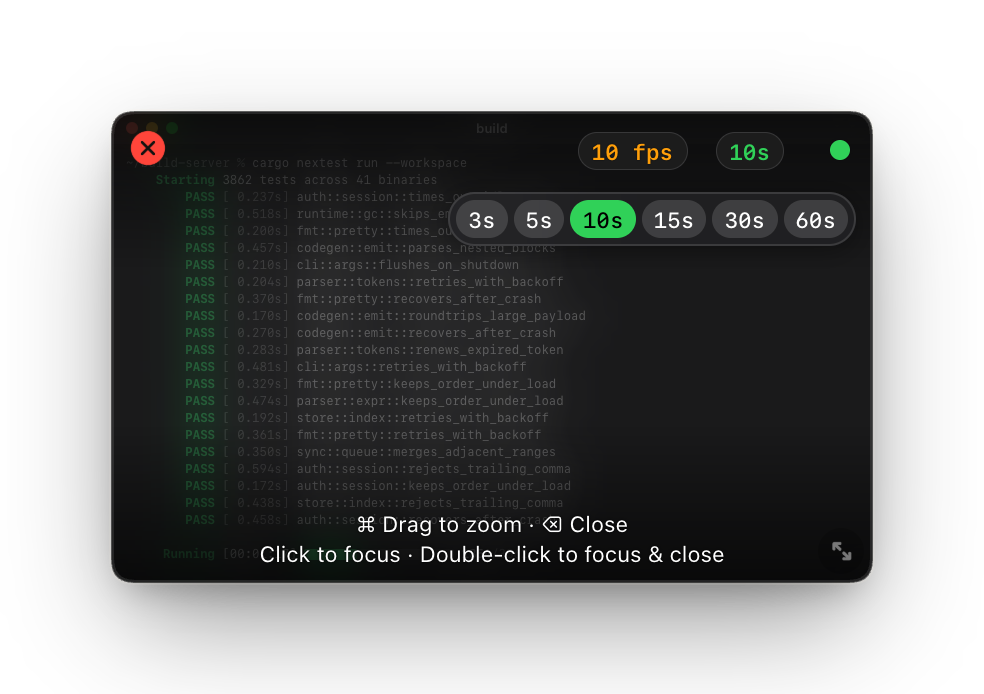
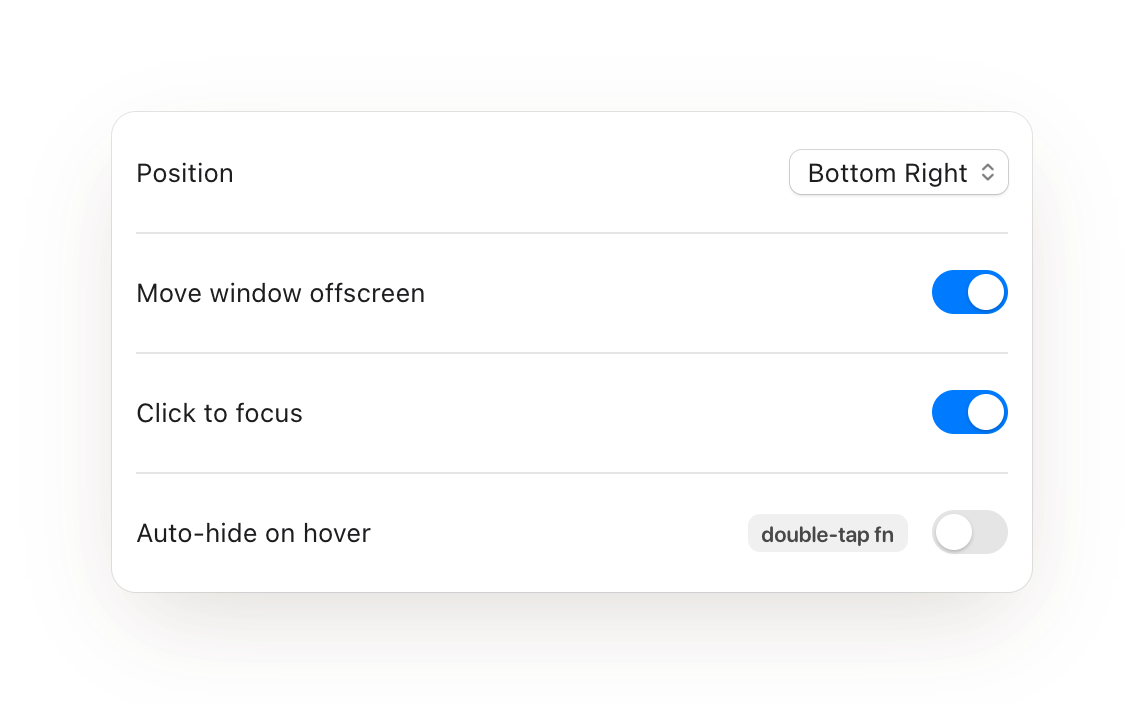
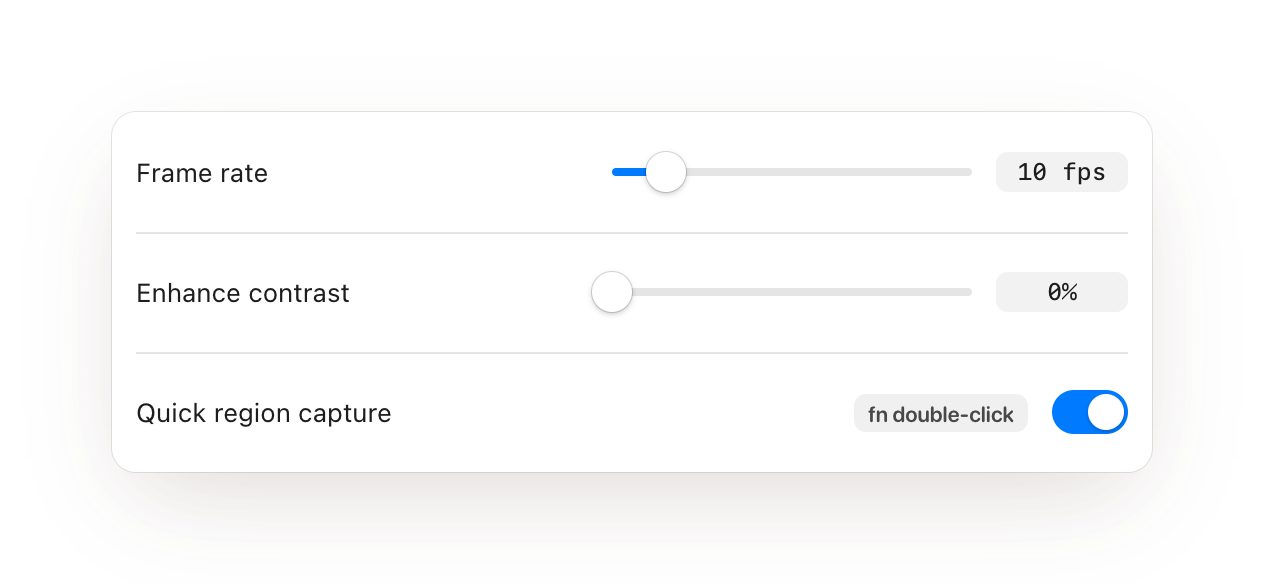
The Pipiri banner, with a PiP floating over a window A PiP of a test run floating at the bottom right of the screen, over an image editor A hovered PiP with its close button, frame rate pill, detection dot and resize handle A video PiP with playback controls and a seek bar The region capture overlay on a CI page, with two running jobs selected QuickLook showing a PiP's window at full size in front of the PiP The frame rate menu open on a hovered PiP, with 10 fps checked An Idle for 10s reminder on the PiP of a build A Change detected reminder on the PiP of a deploy log Idle detection turned on in a PiP, with the threshold choices Pipiri Settings: Position, Move window offscreen, Click to focus and Auto-hide on hover Pipiri Settings: Frame rate, Enhance contrast and Quick region capture

Videos

The Pipiri film

PiP any window

Click to focus

Region capture

Quick region capture

Playback controls

QuickLook

Drag to zoom

Notify when idle

Frame rate per app

Auto-hide on hover

Multi-window mode

Enhance contrast

Download Assets