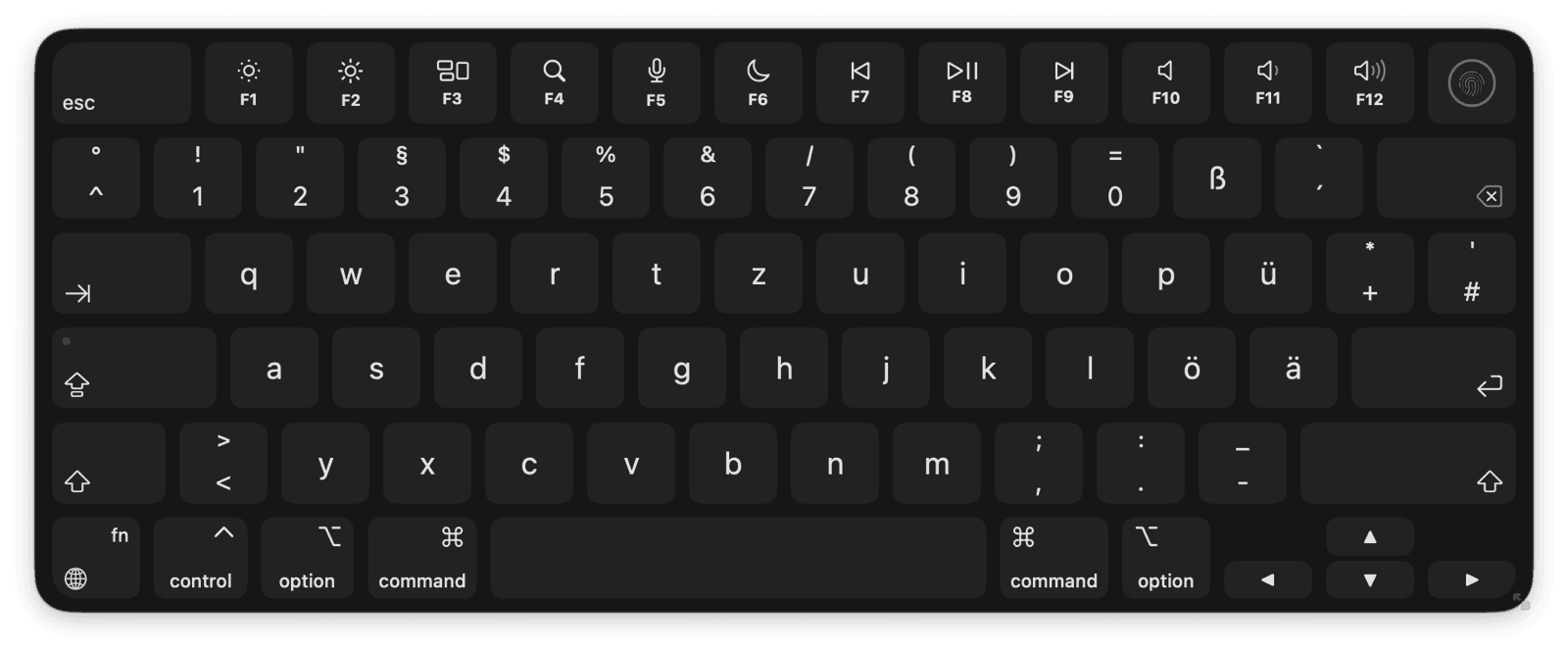
About Keylume
Keylume is an on-screen keyboard for macOS that shows app shortcut cheatsheets when you hold a modifier, and lights up keys as you press them for demos and screencasts.
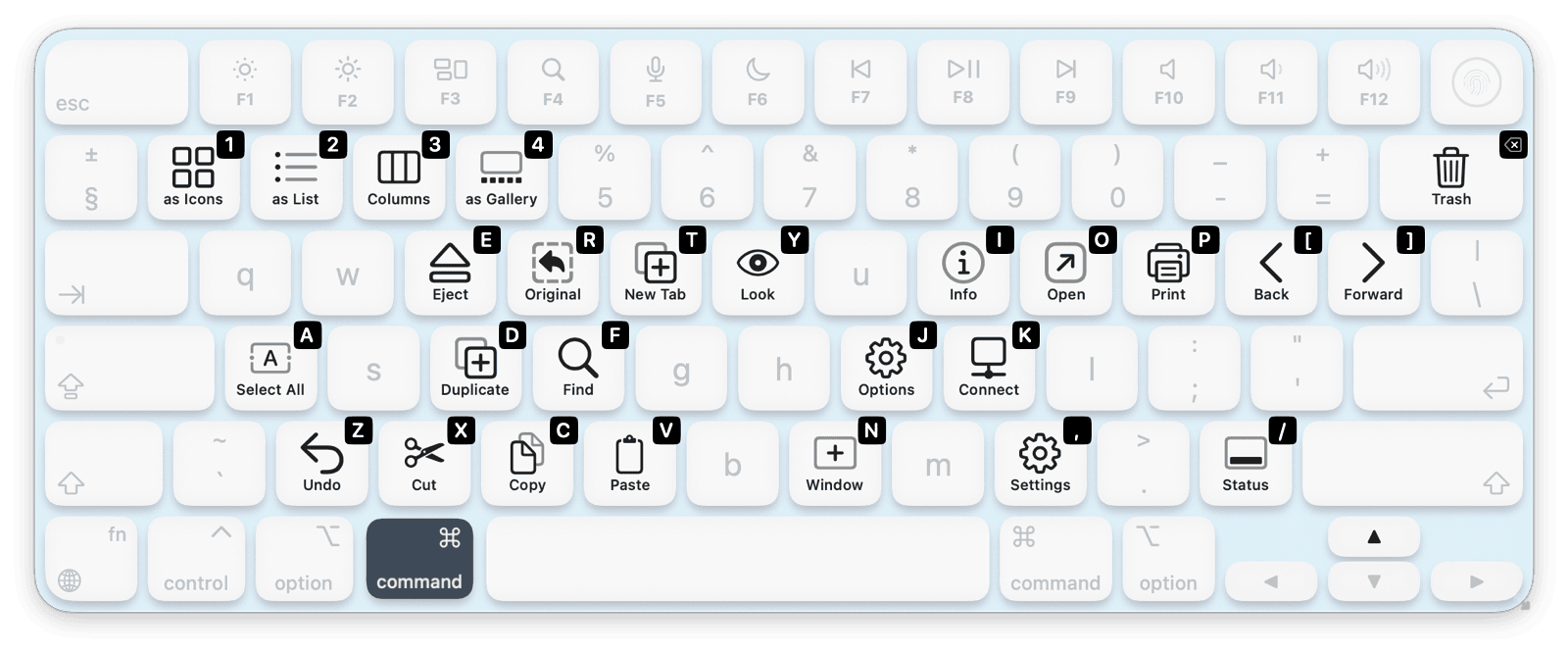
Hold ⌘ (or any other modifier) and the keys light up with the shortcuts of the focused app. Keylume ships with hand-crafted cheatsheets for popular apps, and supports custom cheatsheets for any app.
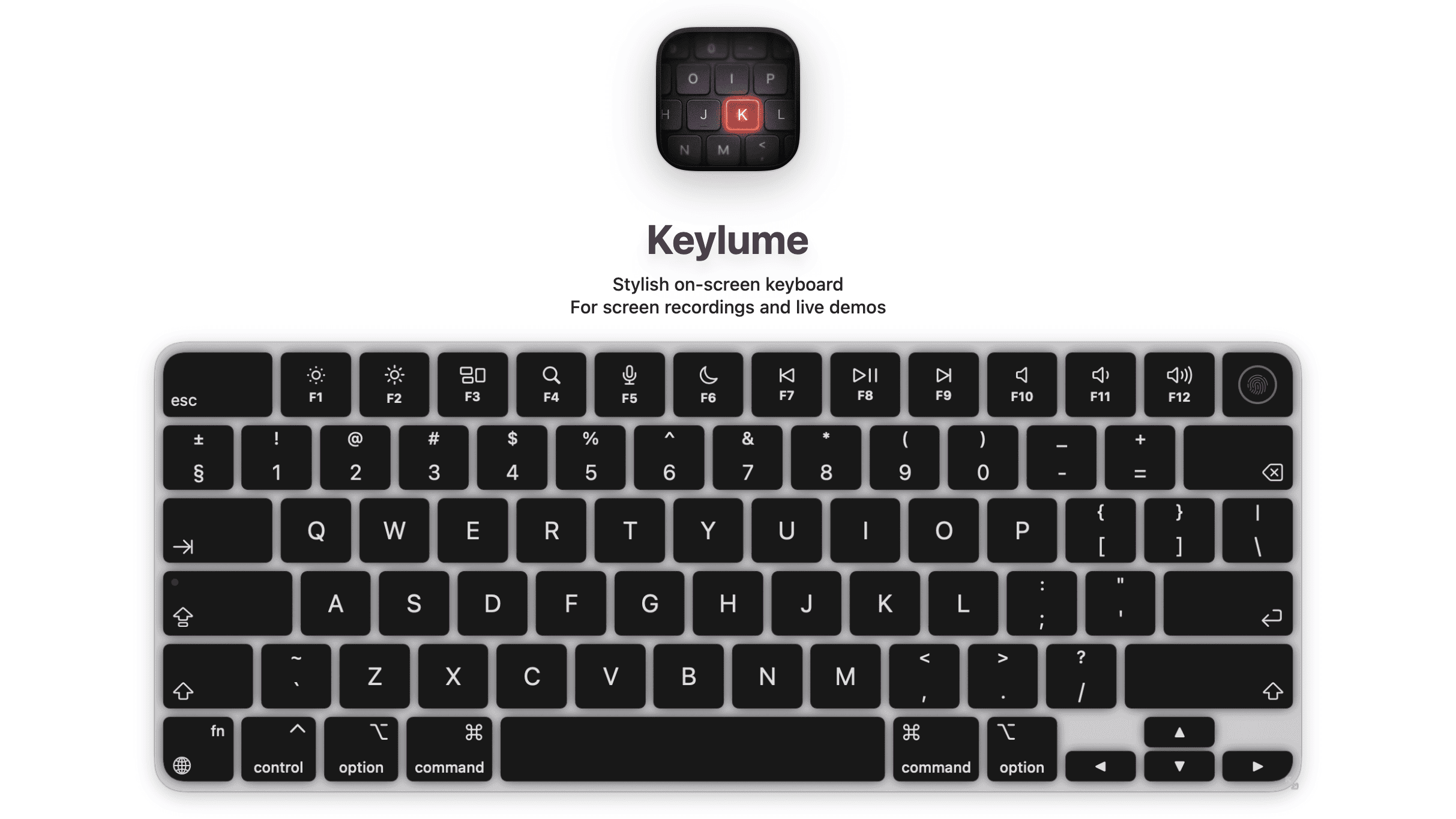
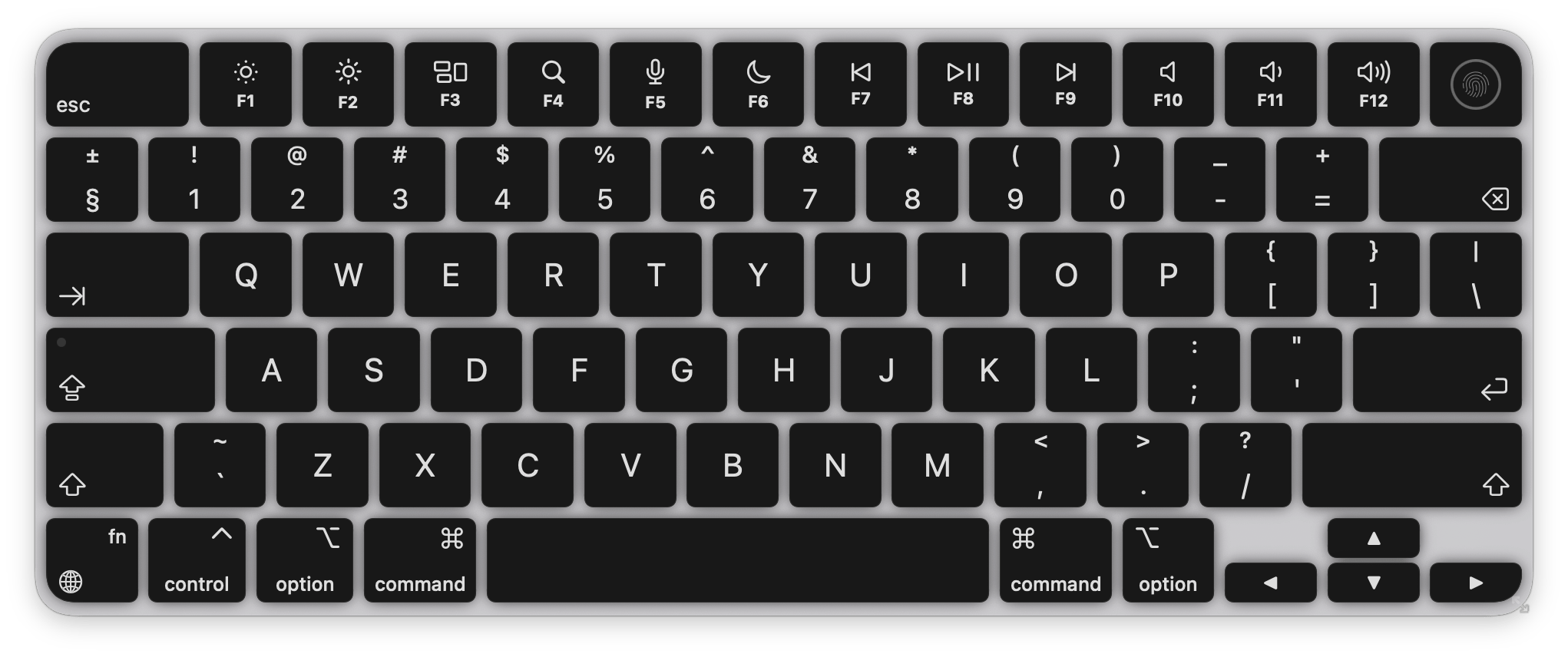
The on-screen keyboard matches the look of a real Apple keyboard. Every key is there, including media keys, arrows, and modifiers.
Key Facts
DeveloperThe low-tech guys
PlatformmacOS 14.0+ (Sonoma and later)
LicensingOne-time purchase for up to 5 Macs. 14-day free trial, then Free mode
Features
- App Cheatsheets: hold a modifier (like
⌘) and Keylume shows the focused app's shortcuts on the keys. Popular apps come hand-crafted; custom cheatsheets can be added for any app. - Single-key shortcuts: hold
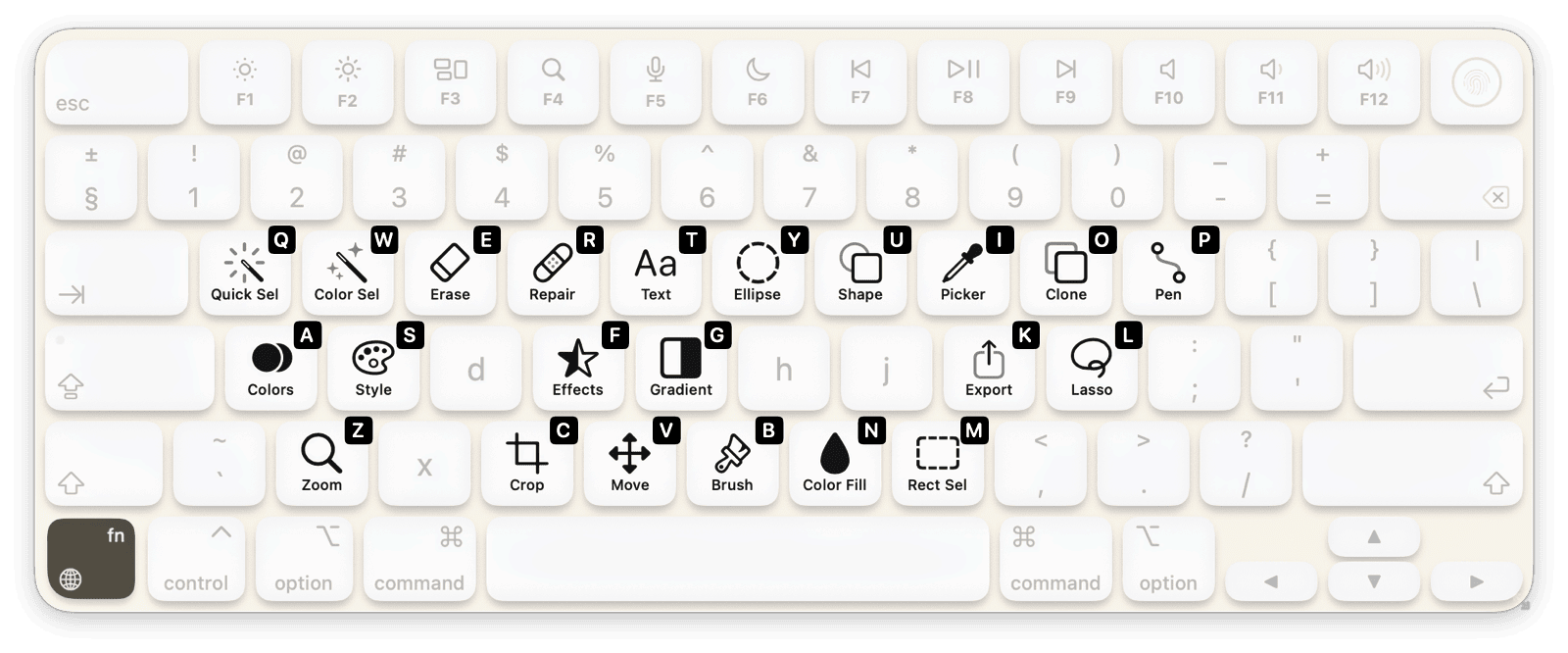
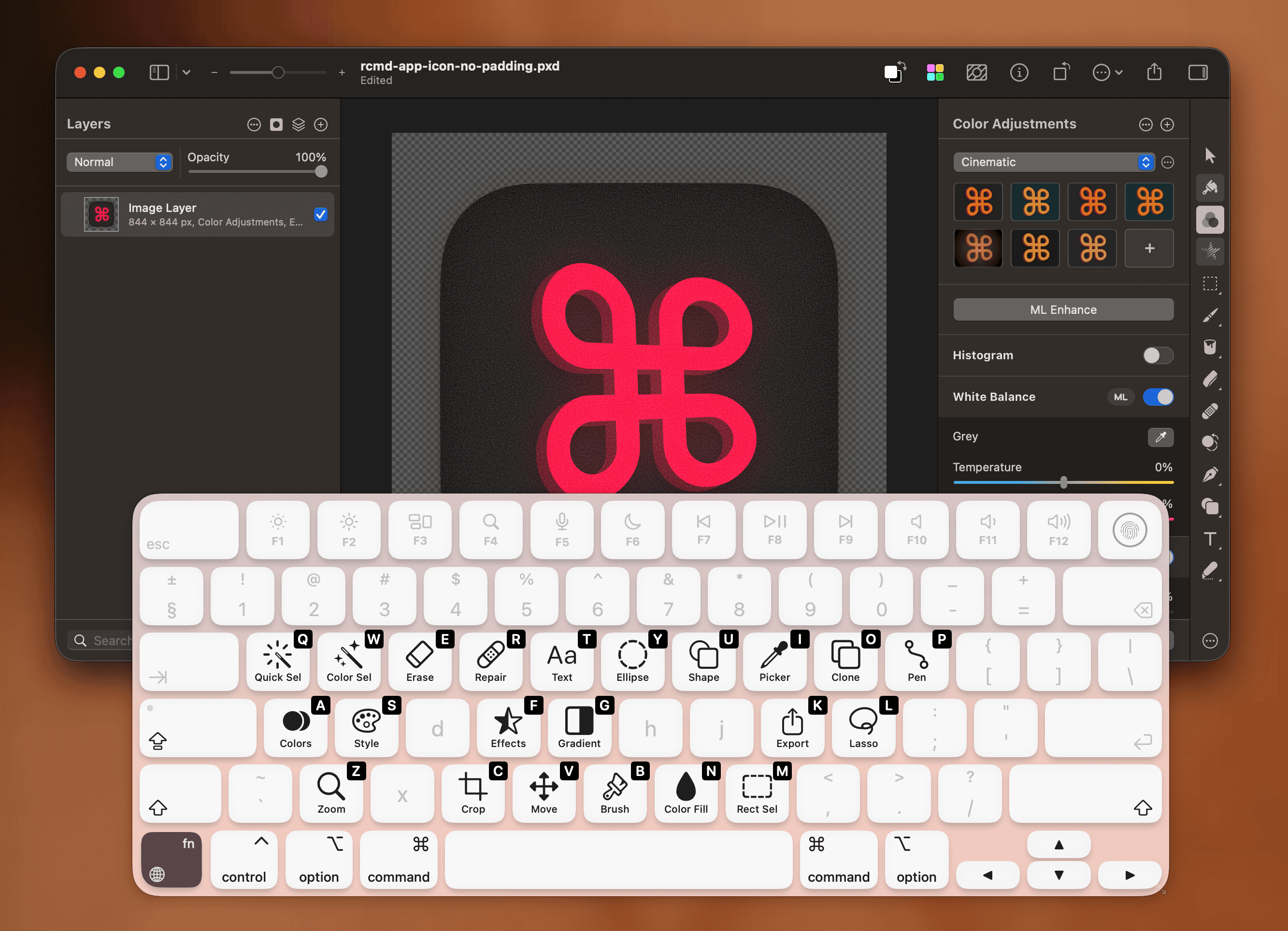
fn to see single-key shortcuts, like the tool picker in Pixelmator and Photoshop. - Language aware: adapts to QWERTZ, AZERTY, Dvorak, Colemak, and CJK layouts. Cheatsheets follow the layout so keys stay in their correct positions.
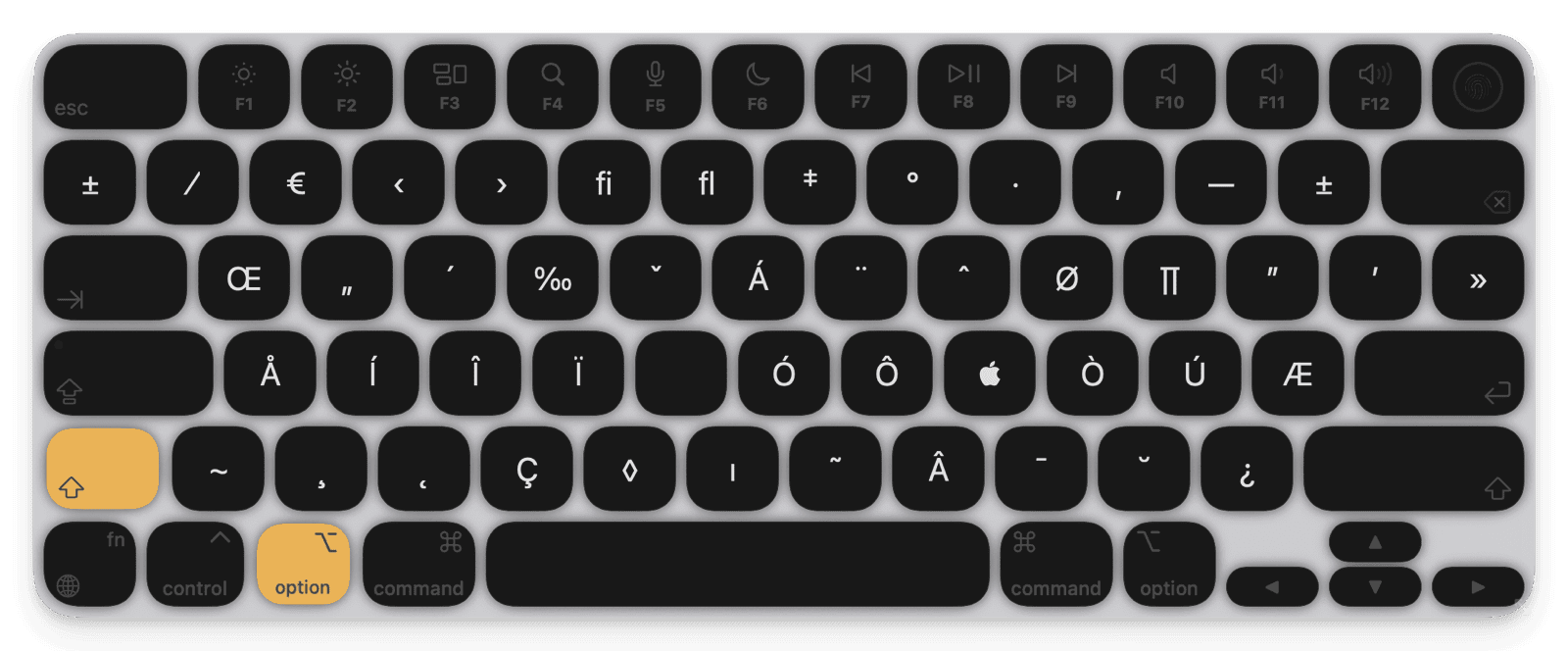
- Alternate symbols layer: hold Option to see the alternate symbols and accented characters each key produces.
- Full Apple Keyboard: every key is there, including media keys, arrows, and modifiers. Matches the look of a real Apple keyboard.
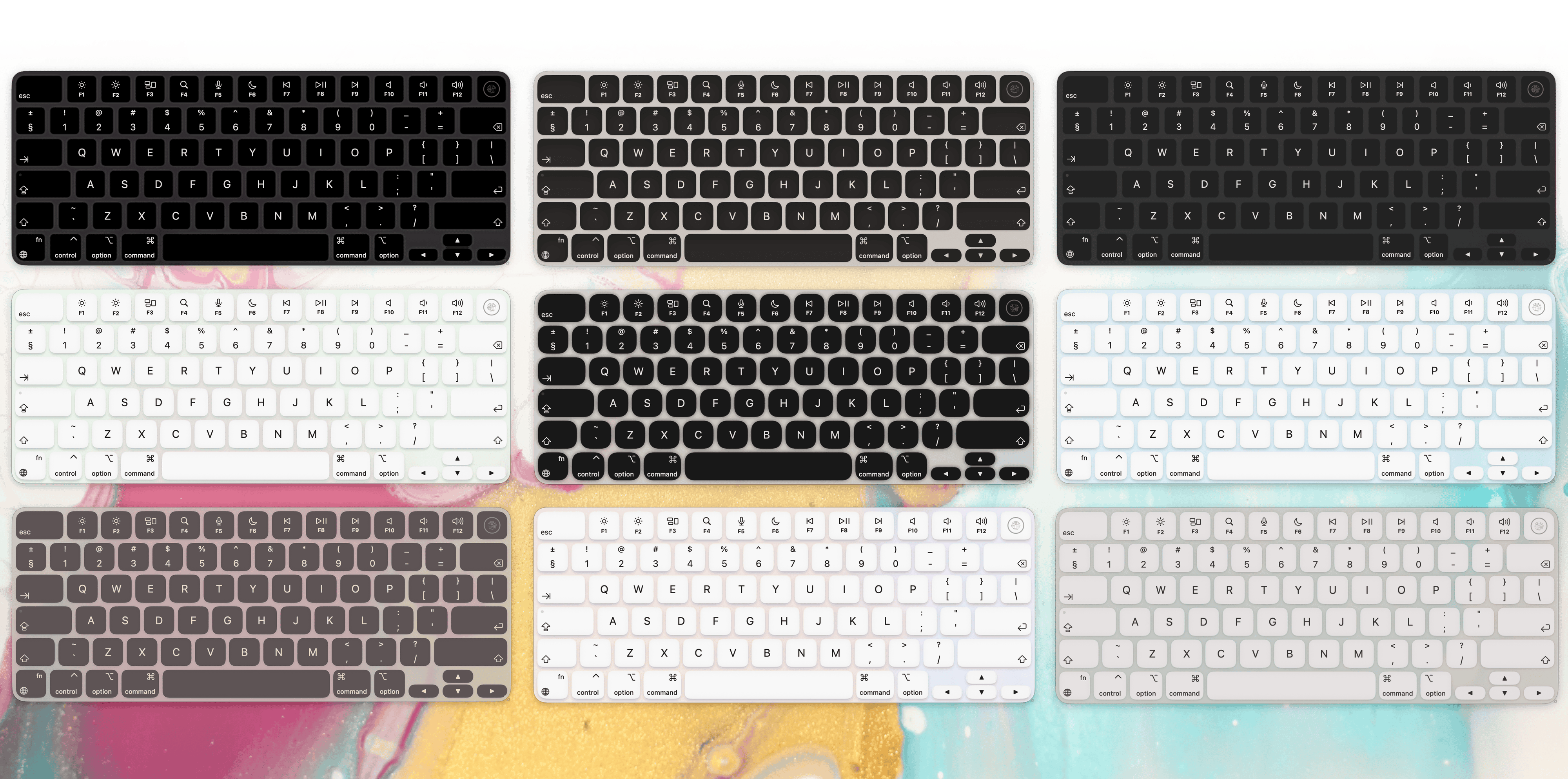
- Stylish and themeable: many built-in themes, an intuitive editor to create your own, and import/export to share themes with others.
- Appears when recording: pops up automatically when screen recording starts, hides when recording stops. Triple-tap
fn to toggle manually. - Stays out of the way: auto-hide on hover lets clicks through, drag to reposition, resize freely, remembers position.
Pro Features
Included in the 14-day free trial. After that, a license keeps them unlocked.
- App Cheatsheets: the headline Pro feature. Per-app shortcut overlays, hand-crafted for popular apps, customizable for any.
- Click to type: click keys on the on-screen keyboard to send actual keystrokes. Clicking a cheatsheet key sends the full shortcut combo to the focused app.
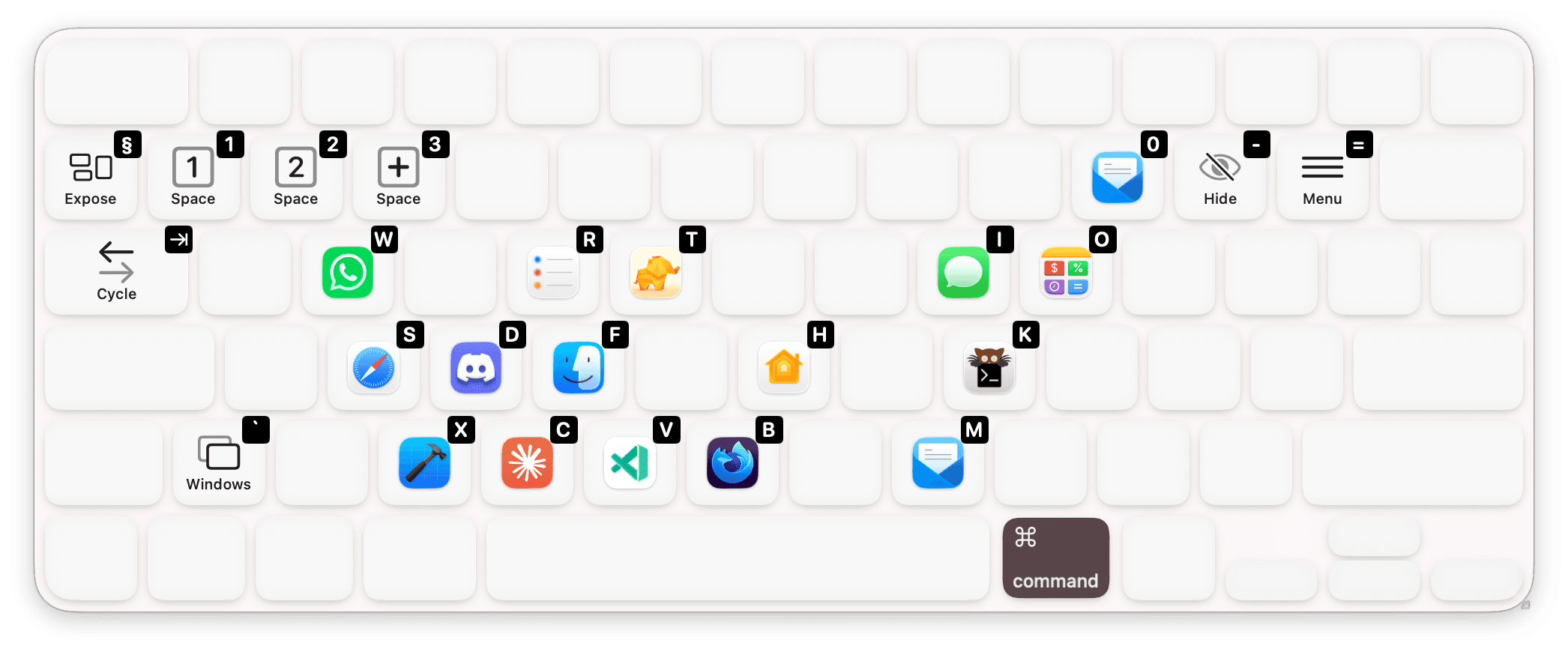
- Custom layers: build your own modifier layers (e.g. hold
rcmd for an app launcher), assign keys to apps, SF Symbols, text, or symbol with caption. - Keyboard layout adaptation: reads the system keyboard layout and updates key labels to match. Switches automatically when the user changes language or layout.
Use Cases
- Screencasts and tutorials: viewers see exactly which keys are pressed, including modifier combos and function keys.
- Live demos and conference talks: a visible keyboard makes shortcut-heavy demos legible from the back row.
- Learning a new app: hold
fn in Pixelmator or ⌘ Command in Finder to see the available shortcuts on the keyboard. Faster than reading menus. - Shortcut overlays inside another Mac app: third-party Mac apps can drive Keylume to show their own shortcut sheets, app launchers, or contextual overlays.
Built for Integration
Other Mac apps can drive Keylume to show temporary shortcut overlays without bundling a keyboard renderer of their own. Three ways in: a drop-in Swift file (KeylumeIntegration.swift), a keylume CLI, or com.lowtechguys.Keylume.* distributed notifications.
Anything driven through a temporary layer works on the free tier, with no Pro license required for the integrating app or its users. The one rule is that integrations should not replicate Keylume's paid feature (system-wide app cheatsheets).