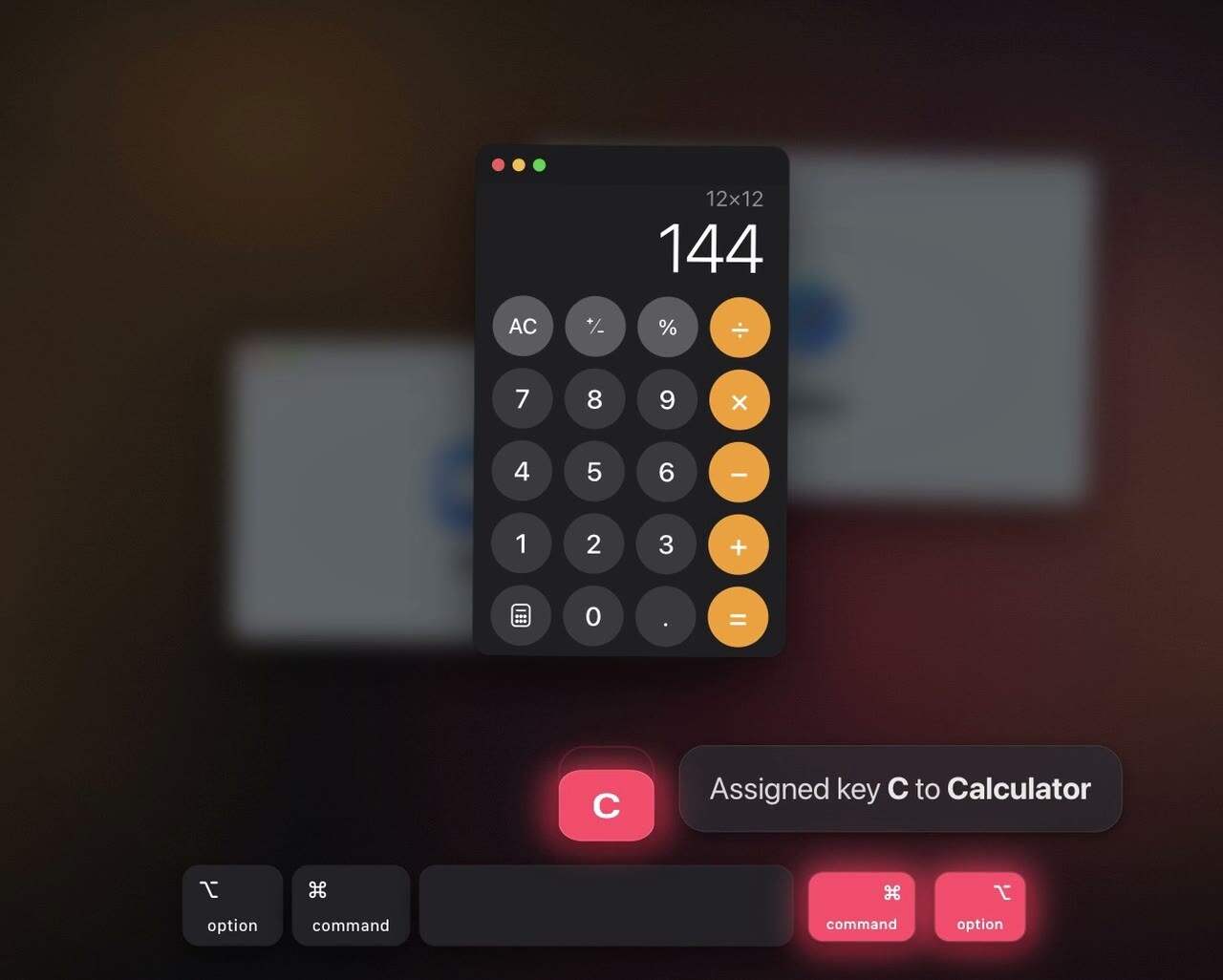
About rcmd rcmd is a reimagined app switcher for macOS. Hold the ⌘ Right Command key and press the first letter of an app's name to focus it instantly. App switching at the speed of thought.
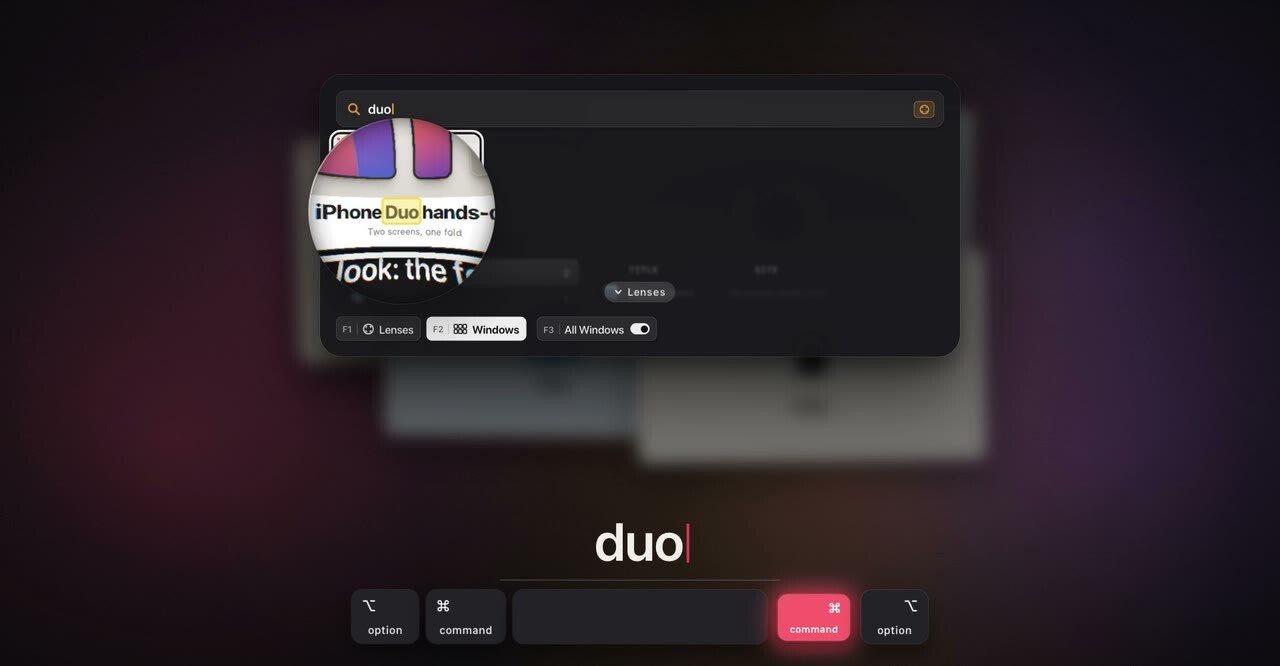
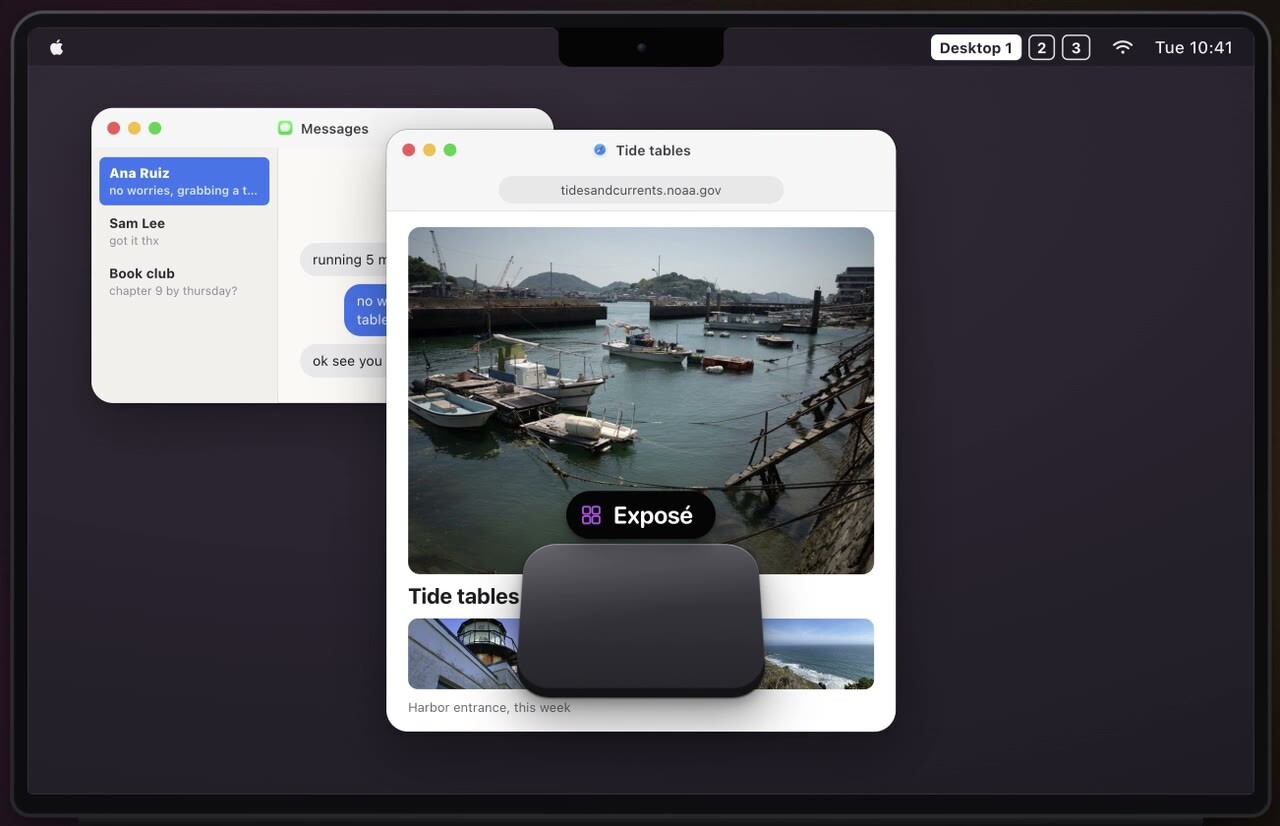
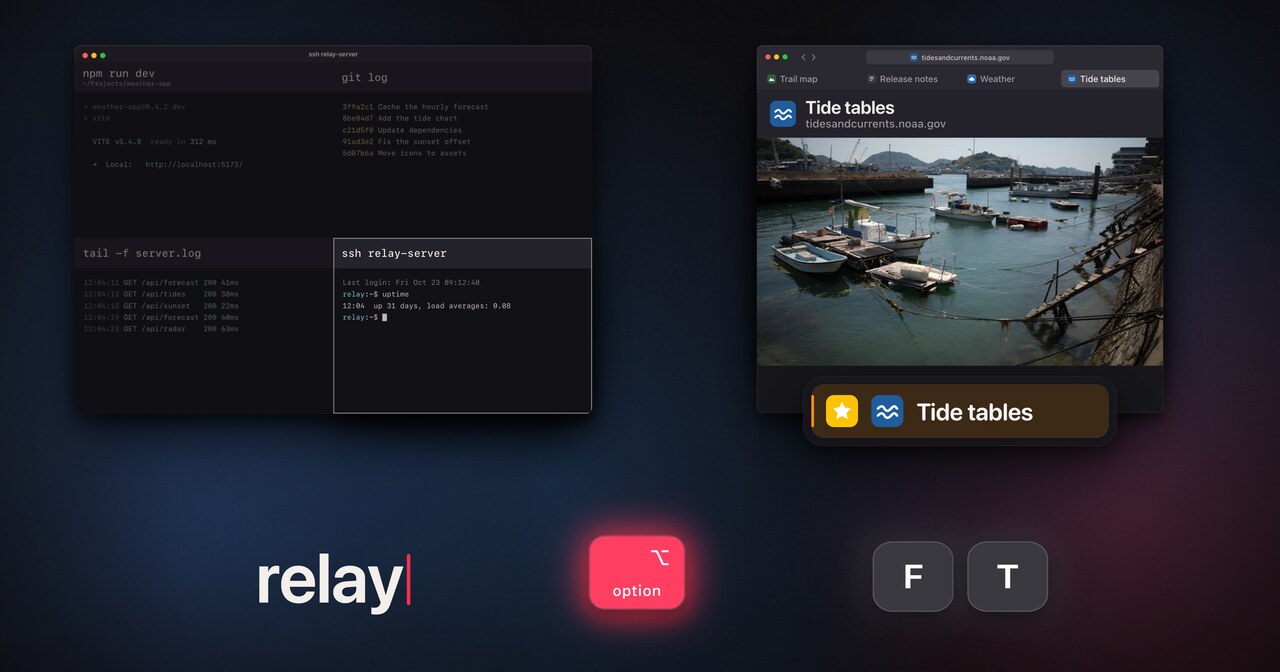
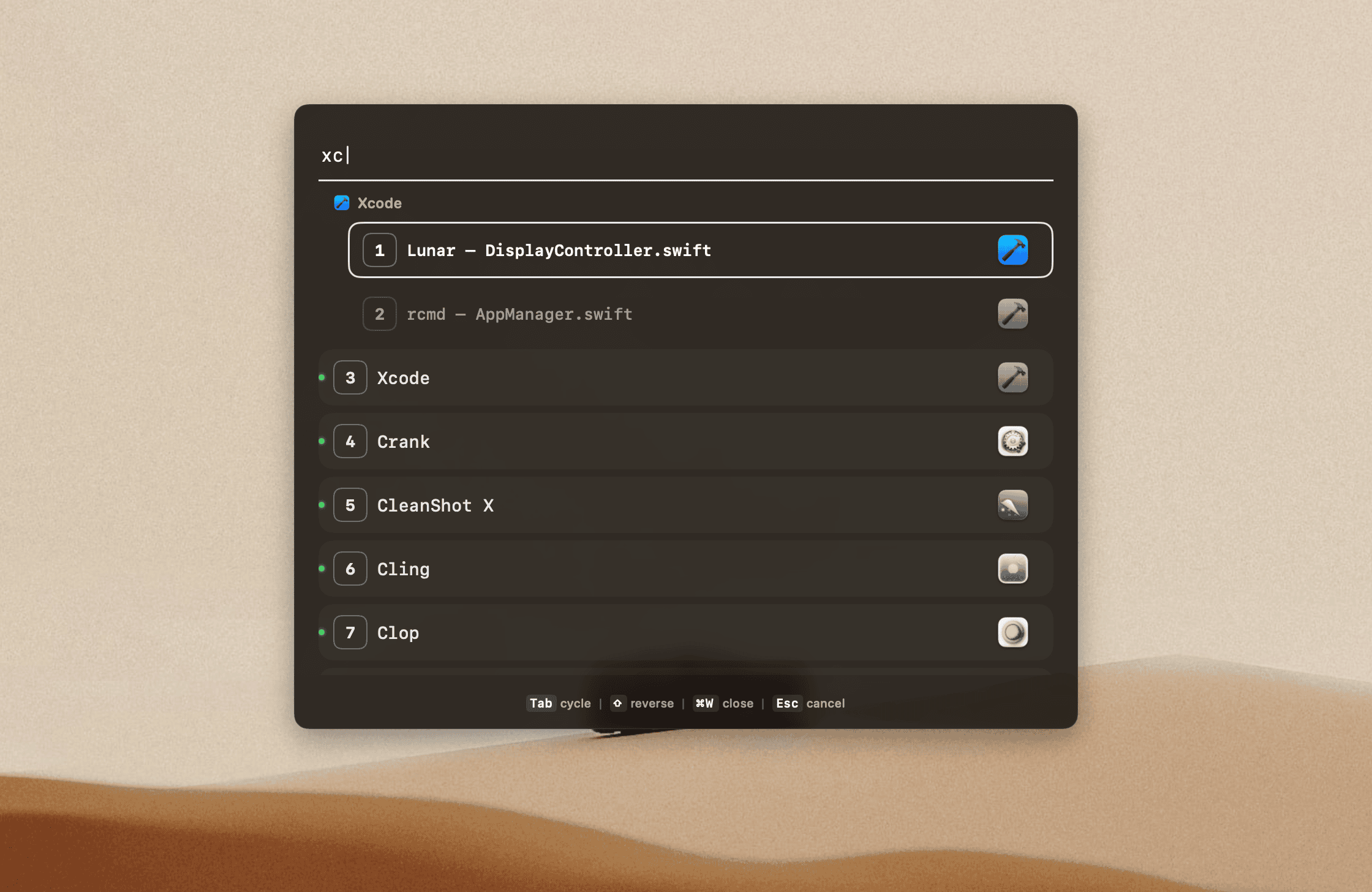
The same key combo launches apps that aren't running, fuzzy-searches apps and windows, and switches Spaces by number with no animation. With Exposé, rcmd shows the windows of every Space and display at once, and with Lenses it finds the exact browser tab, terminal pane or project inside an app. The Left Command key stays untouched, so the default macOS shortcuts keep working.
Key Facts Developer The low-tech guys
Platform macOS 13.0+ (Ventura and later)
Price €15 one-time purchase
Licensing Up to 5 Macs. 14-day free trial, then Free mode (instant app switching stays free)
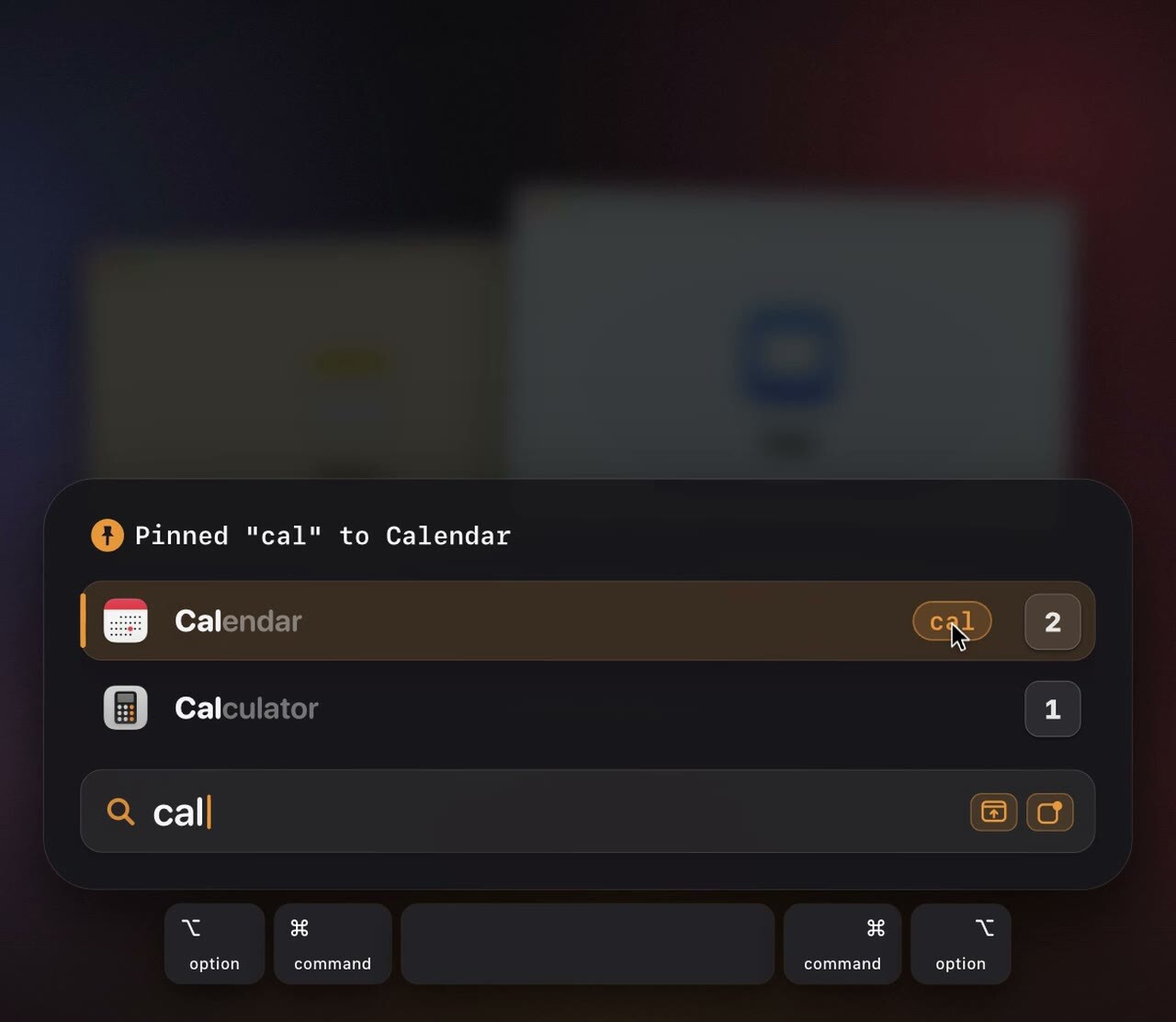
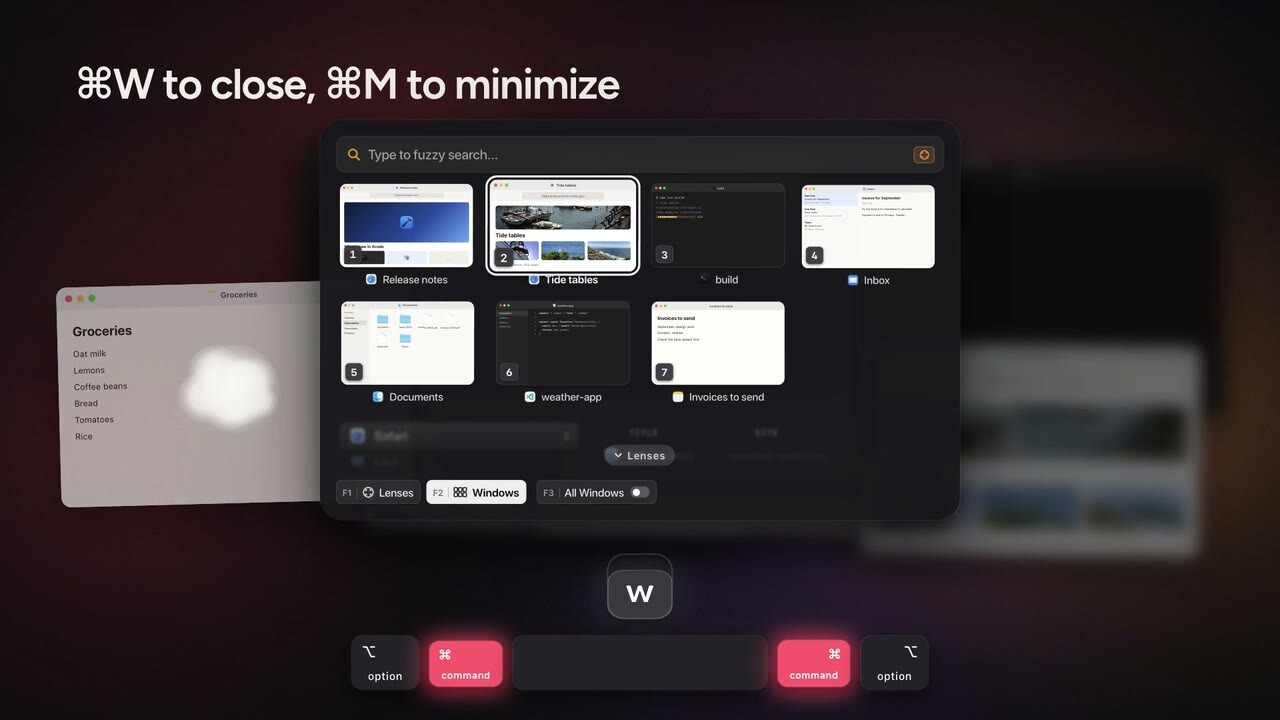
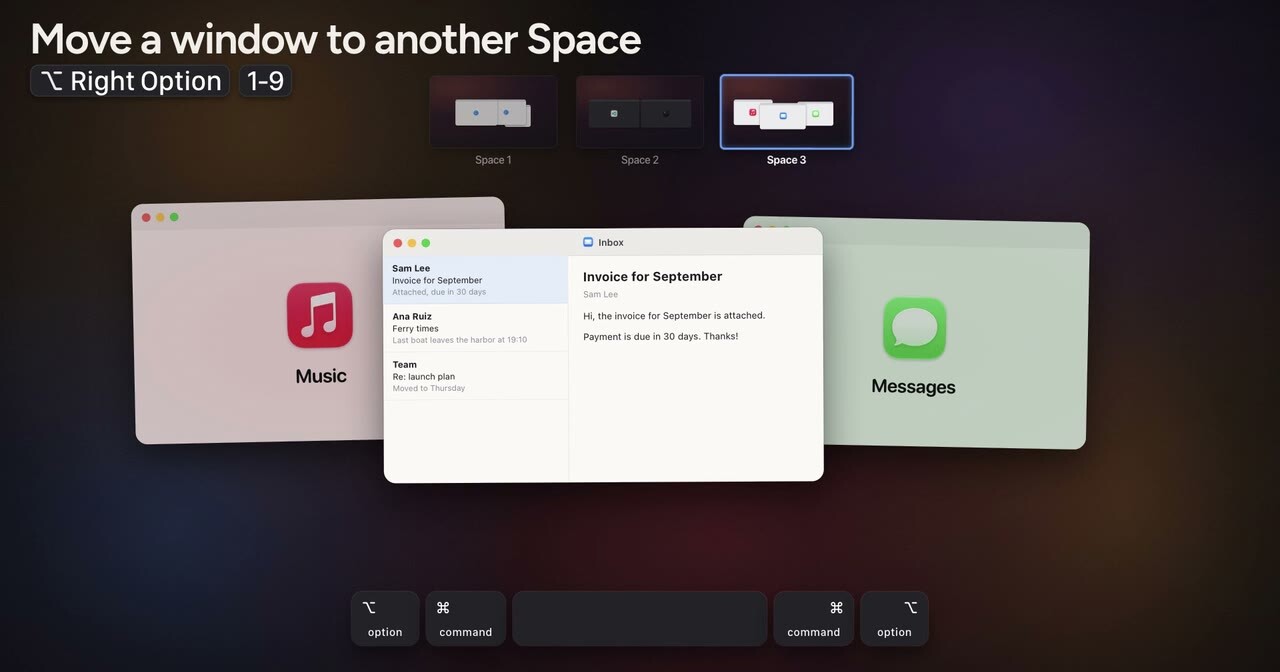
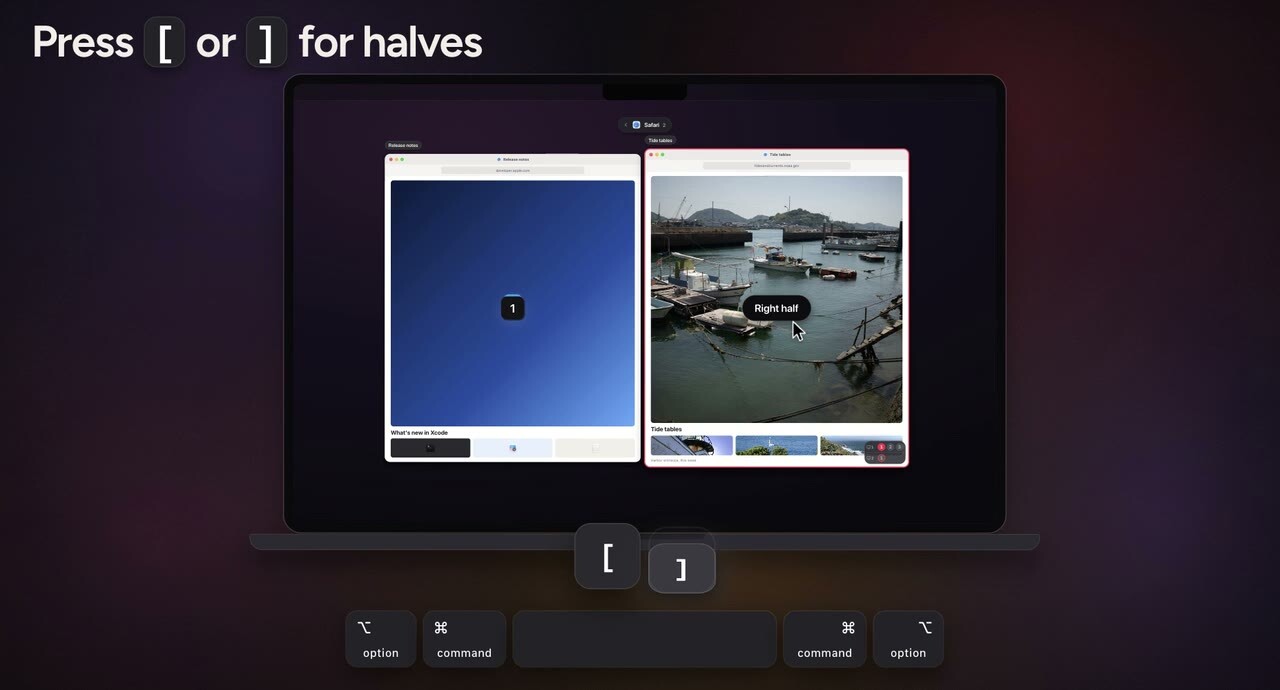
Features Instant app switching: hold ⌘ Right Command, press the first letter of an app to focus it Launches apps that aren't running with the same key combo Dynamic key assignments out of the box, plus custom letter assignments Hold a letter in the launcher to assign it to the highlighted app Press the same letter again to show and hide the app, cycle its windows, or cycle the apps that share the letter App Exposé: every window of an app, with its recent files Fuzzy search across apps and open windows, just hold, type, release Fuzzy launcher: search, launch, focus or quit apps, and pin a query like cal to Calendar Command-Tab replacement: a grid of windows, searchable by title and by the text inside them Window actions from the switcher: close, minimize, Quick Look and Picture-in-Picture Instant Space switching by number, with no sliding animation Move the focused window to another Space and follow it there Exposé: the windows of every Space and display side by side, with keys to close, hide, tile or move them in place Lenses: search browser tabs, terminal panes and code editor projects by holding ⌥ Right Option and typing Favorites: save browser pages, code editor projects, design documents and launch them instantly later Stages: save and restore window workspaces Same-app cycling with Cmd-backtick, across Spaces On-screen key hints through the companion Keylume keyboard 12 built-in themes and extensive customization Mouse follows the focused app MCP server and command line for scripts and agents Use Cases Jumping straight to any app without cycling through Command-Tab Finding a specific window across Spaces by typing its name Jumping to a browser tab, terminal pane or project by typing part of its name Seeing every window across Spaces and displays at once, and tidying them up in place Rearranging windows across Spaces entirely from the keyboard Saving and restoring window layouts for different tasks with Stages Themes rcmd ships with 12 built-in themes. A few examples:
Videos
The rcmd film
Instant app switching
App launching
Show/hide with the same letter
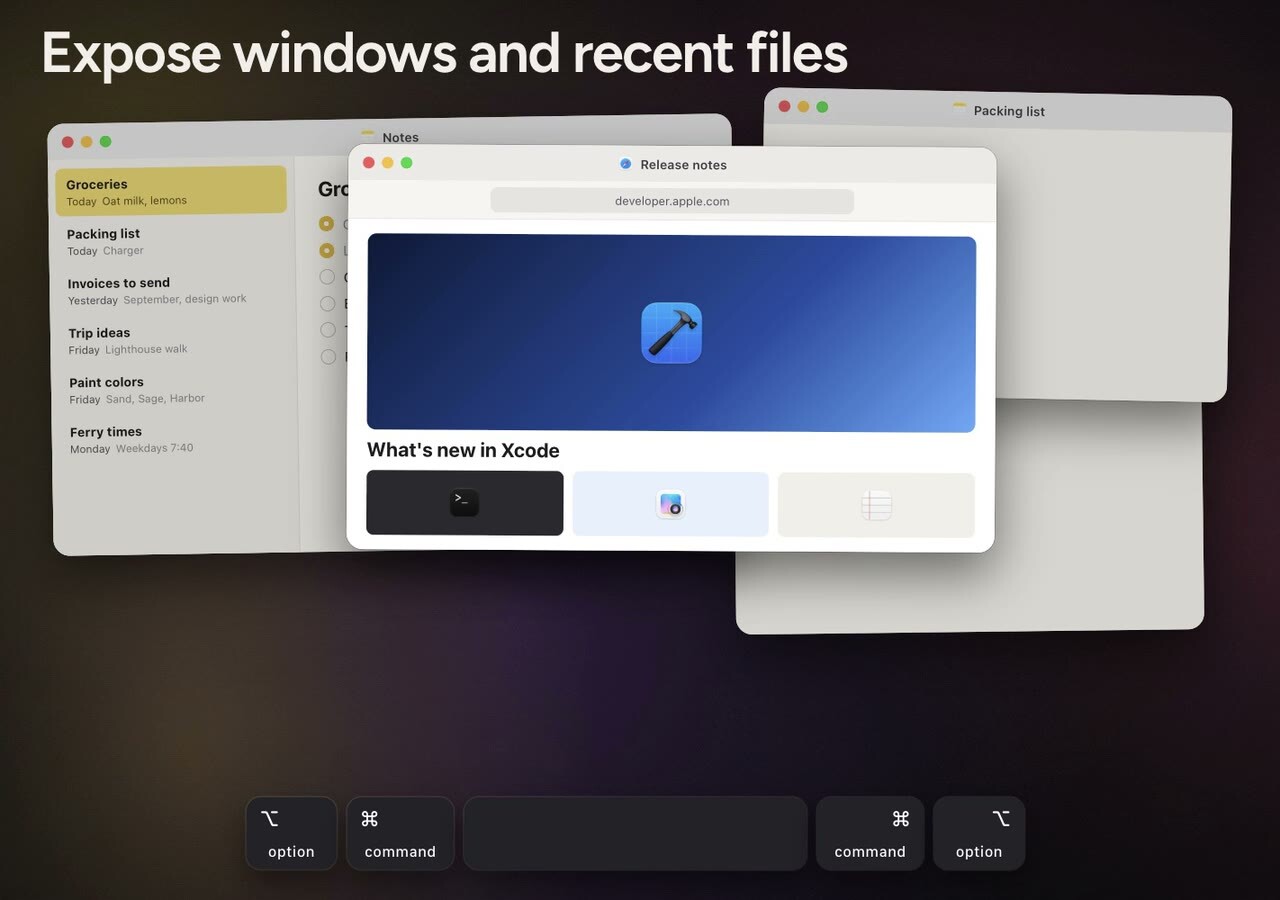
Expose windows and recent files
Cycle windows with the same letter
Cycle apps with the same letter
Fuzzy search apps
Fuzzy launcher
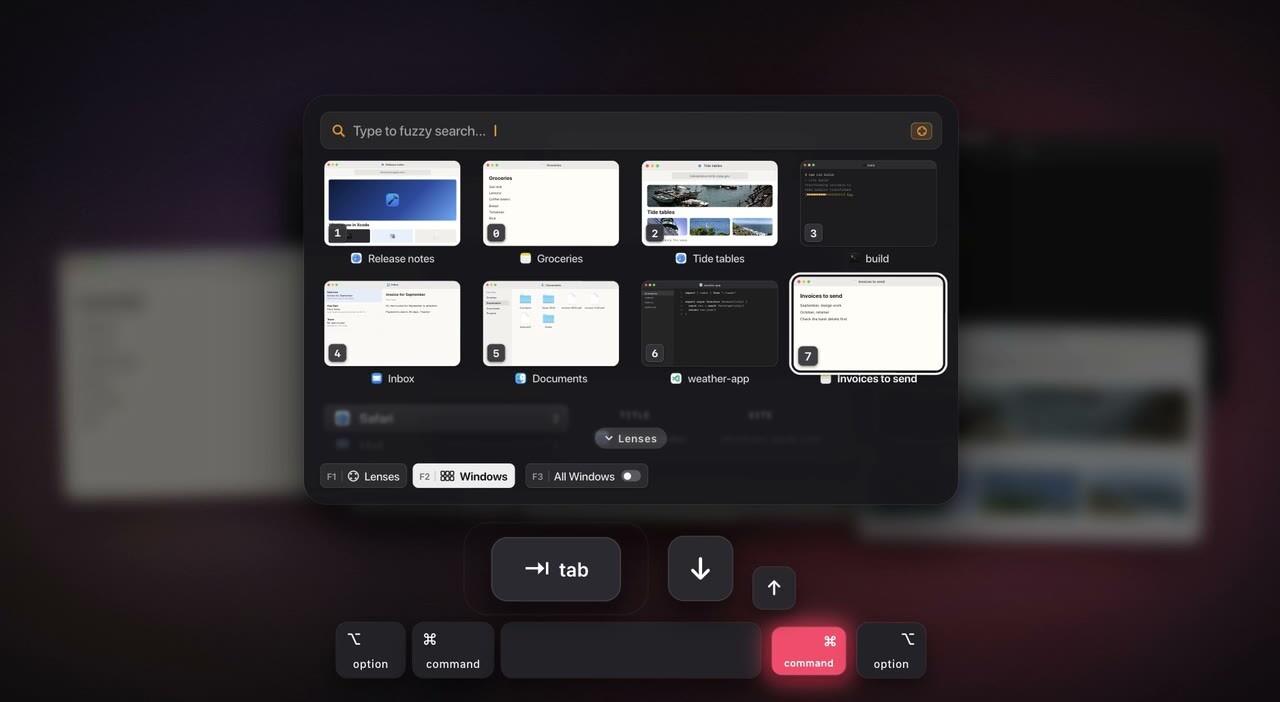
Grid of windows (⌘ Right Command Tab)
Type to search windows
Window actions
Search inside windows from the grid
Search inside windows
Instant Space Switching
Exposé
Exposé actions
Trackpad gestures
Lenses
Stages
Themes and customization